It is the greatest AI laptop I have ever seen!!
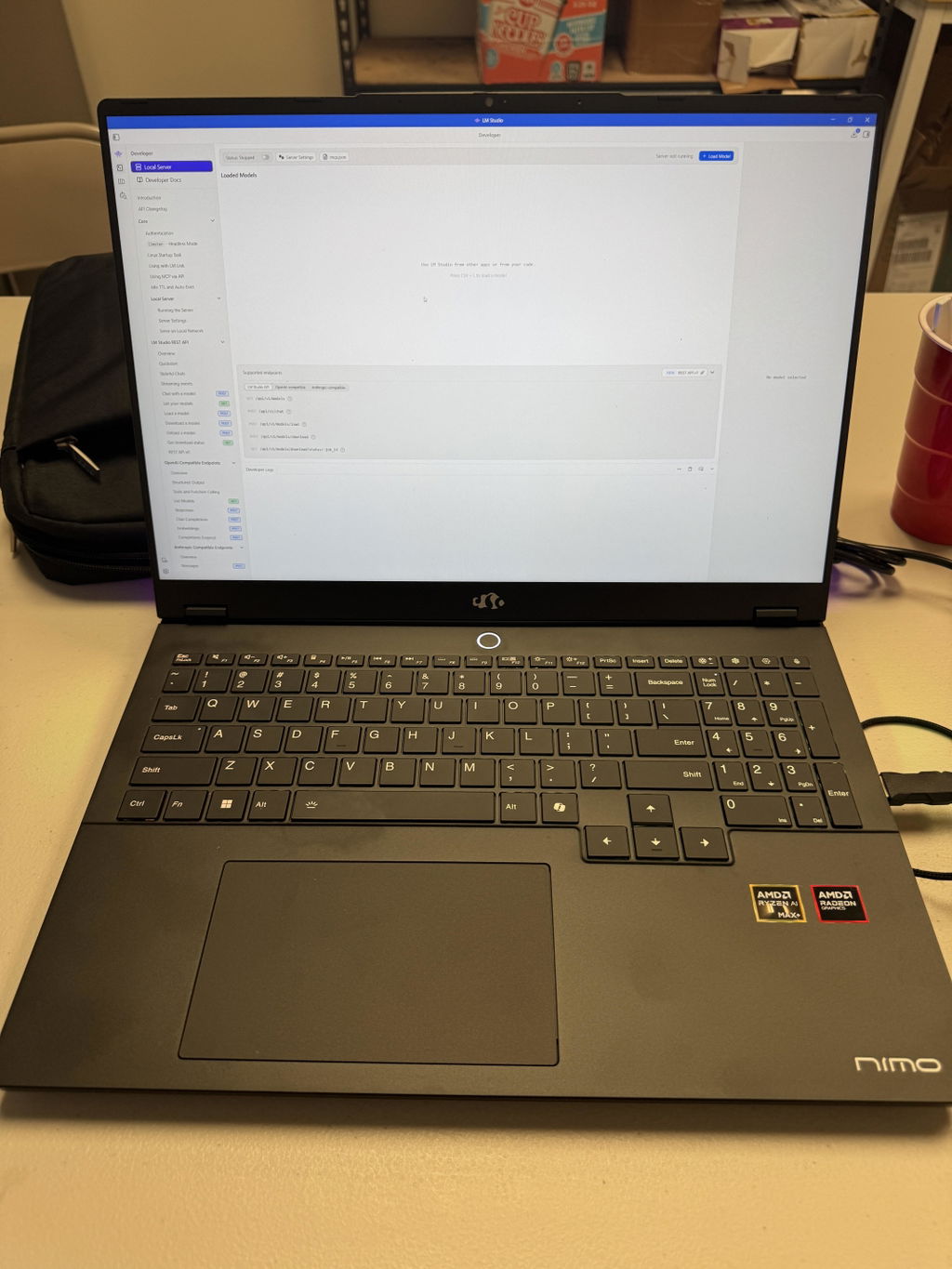
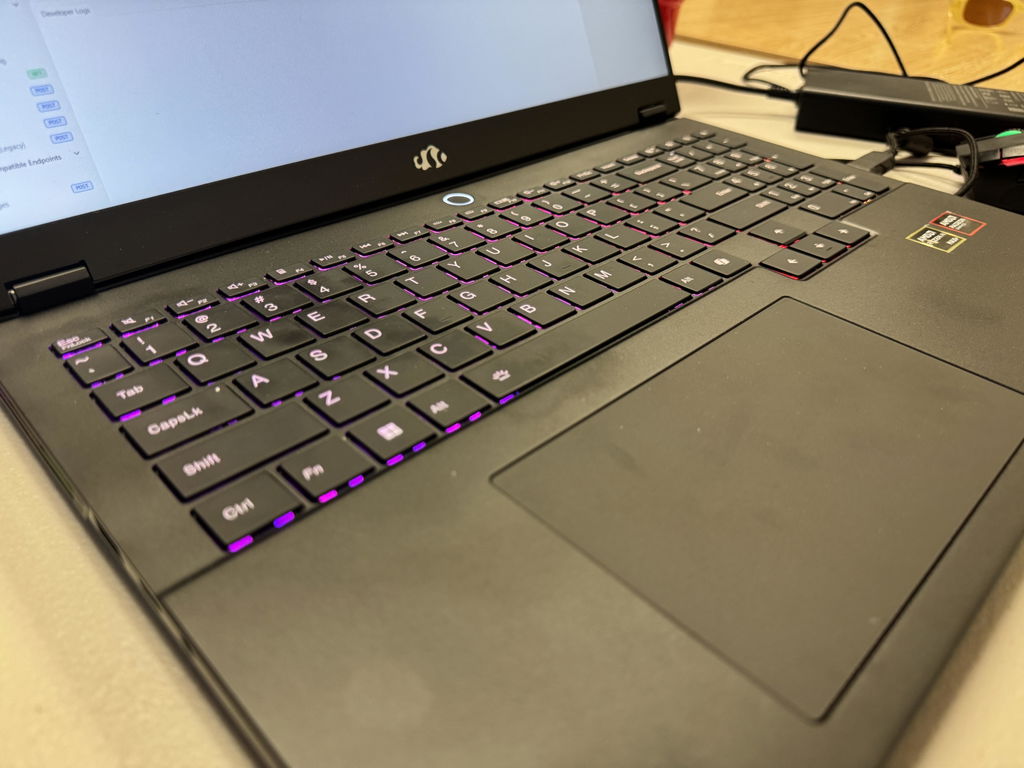
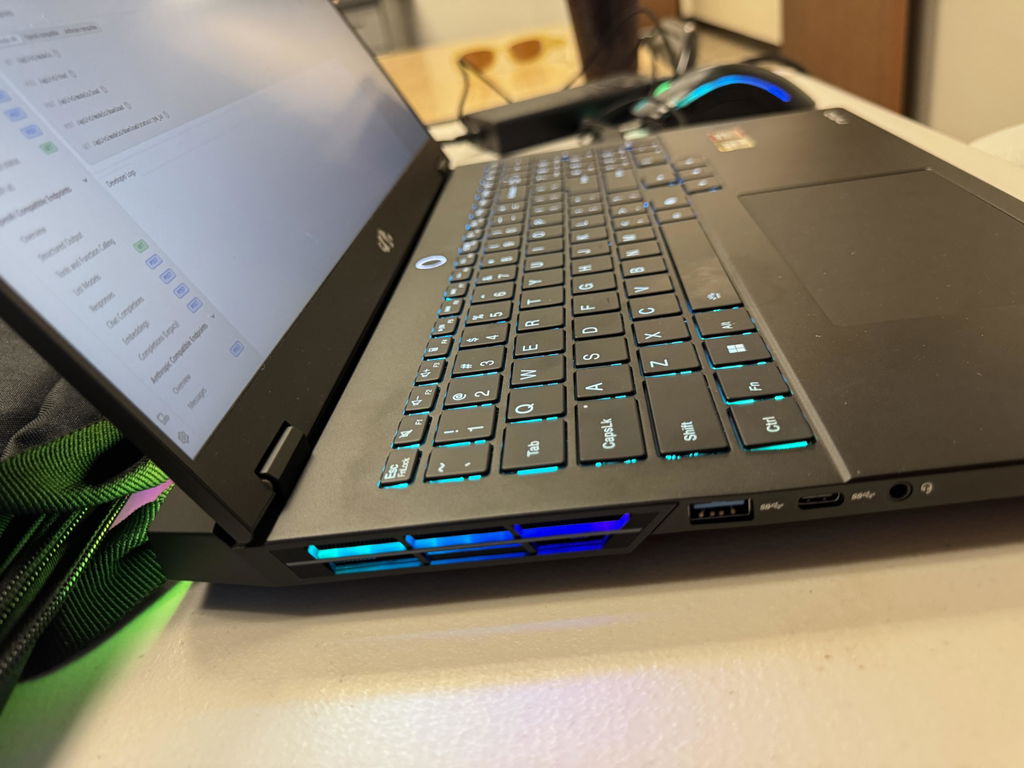
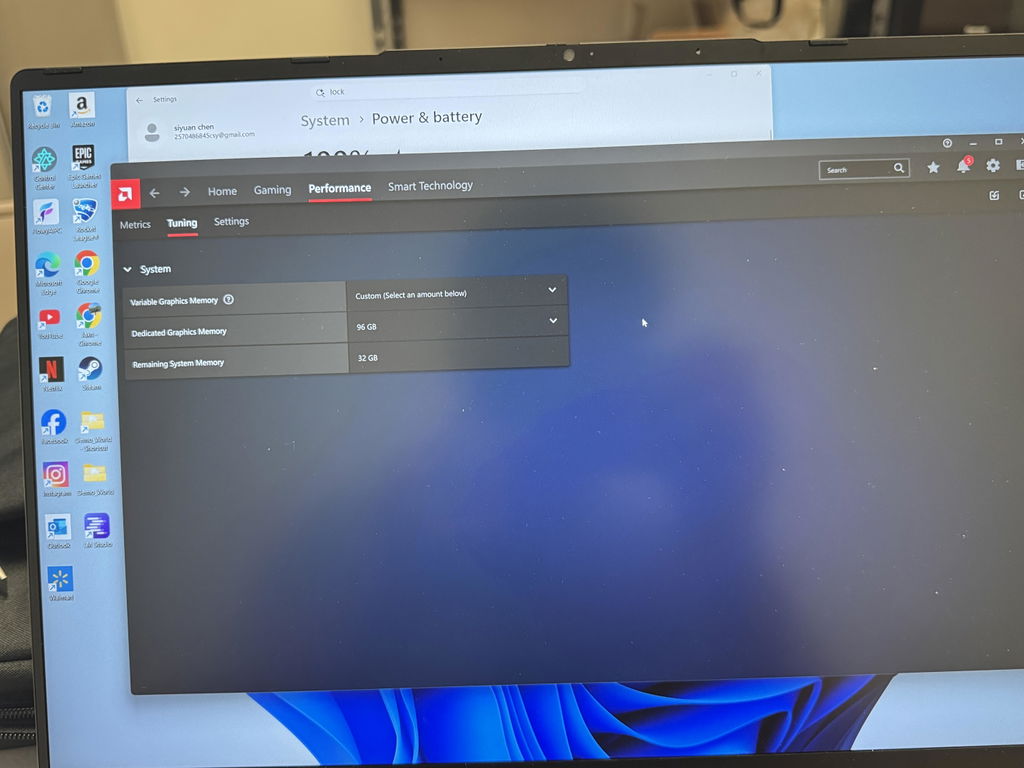
I got a grade B refurbished. Its really REALLY good. Honestly it looked so brand new I didn't even consider it a Grade B. And for the price? Heck its cheaper then alot of other computer brands and holds more storage! For a college student this brand will save you lots of moneys like it did for moi. Thank you Nimo for delivering, ya the goats xoxo
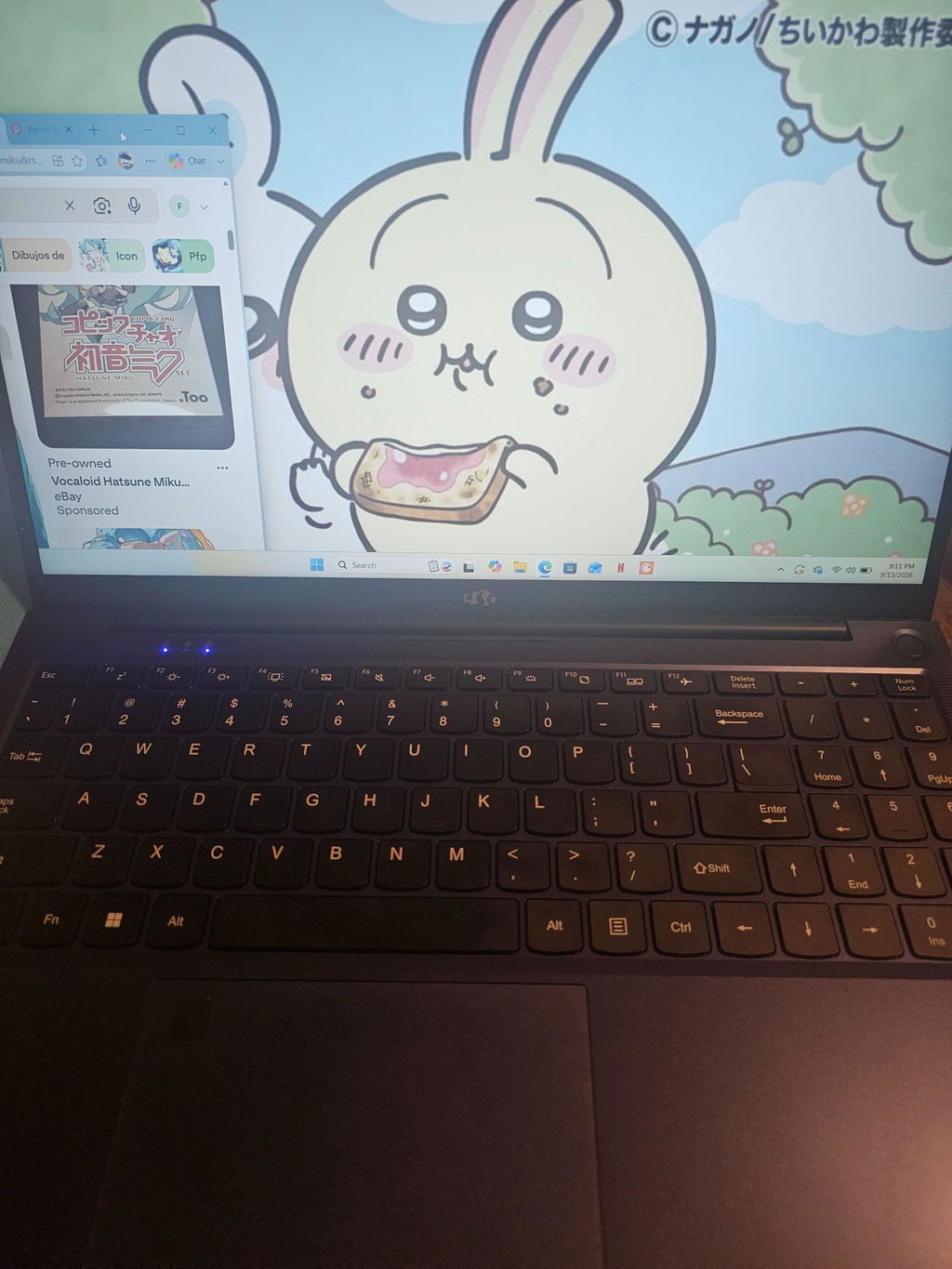
The computer is fine I mostly got it for light gaming for an affordable price but its really slow even when I am playing pretty standard games. I might try to return it if I can if it keeps giving me problems.
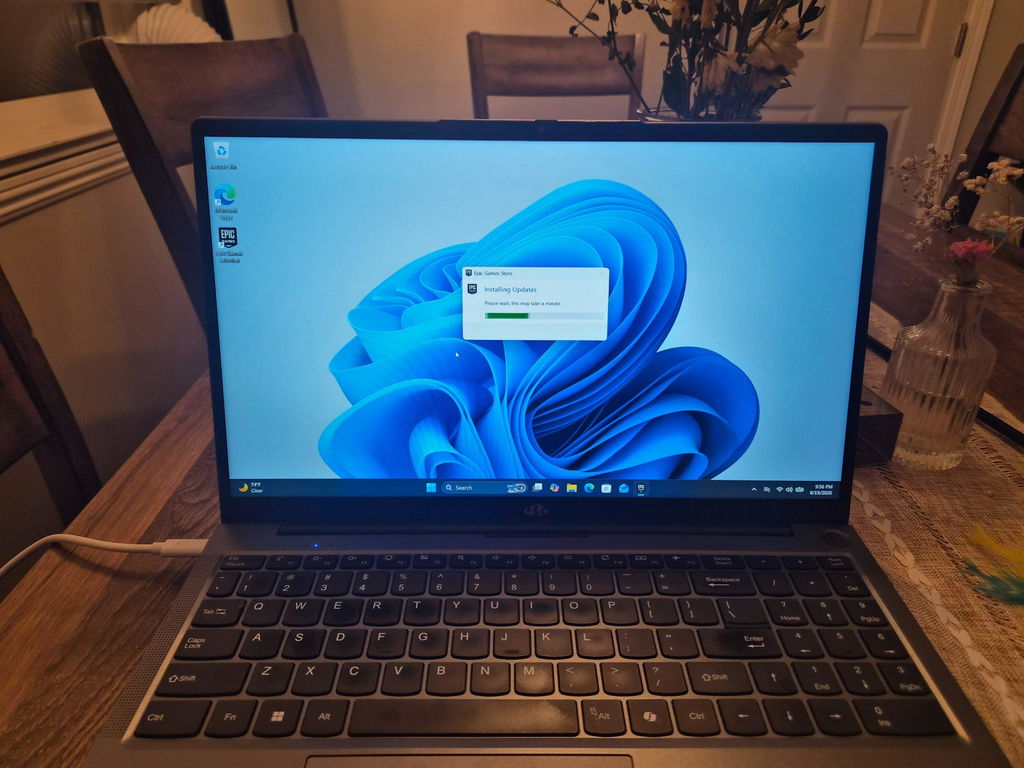
I purchased a refurbished laptop from these fine folks' and the first one wasn't quite right. Texted Nimo and a exchange was set up quickly, the second unit arrived yesterday and I'm a very satisfied customer. Will likely go with them again for my next purchase, the prices are great with great service you could not do better.
Gary Bacher
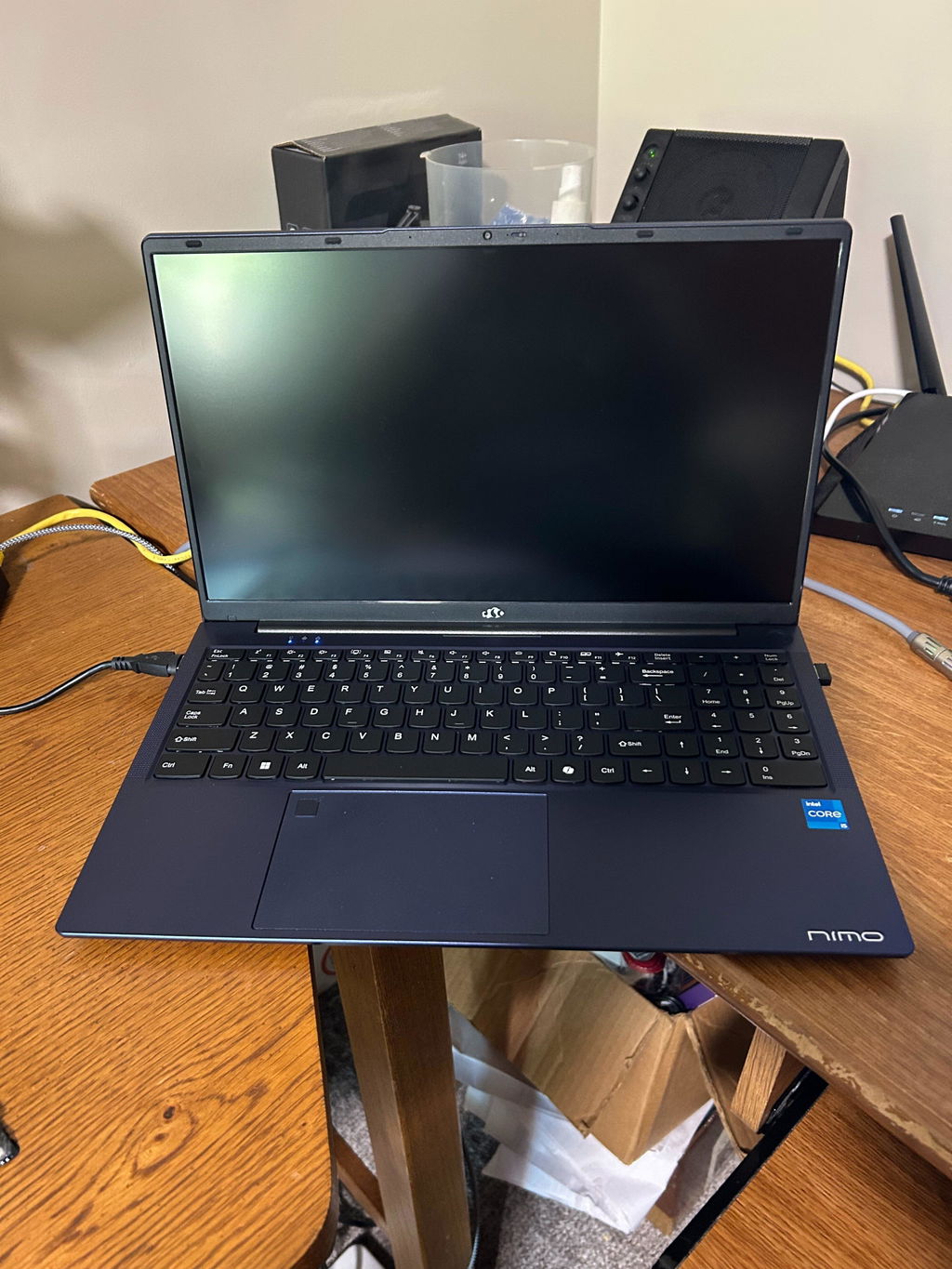
I’m have a small YouTube travel channel and needed a computer that could handle editing and creating videos smoothly. This one is wonderful for that purpose. Videos load smoothly and play clearly. CapCut is able to function well taking so much less time to process a video than my previous laptop did. I’m very happy with my purchase.
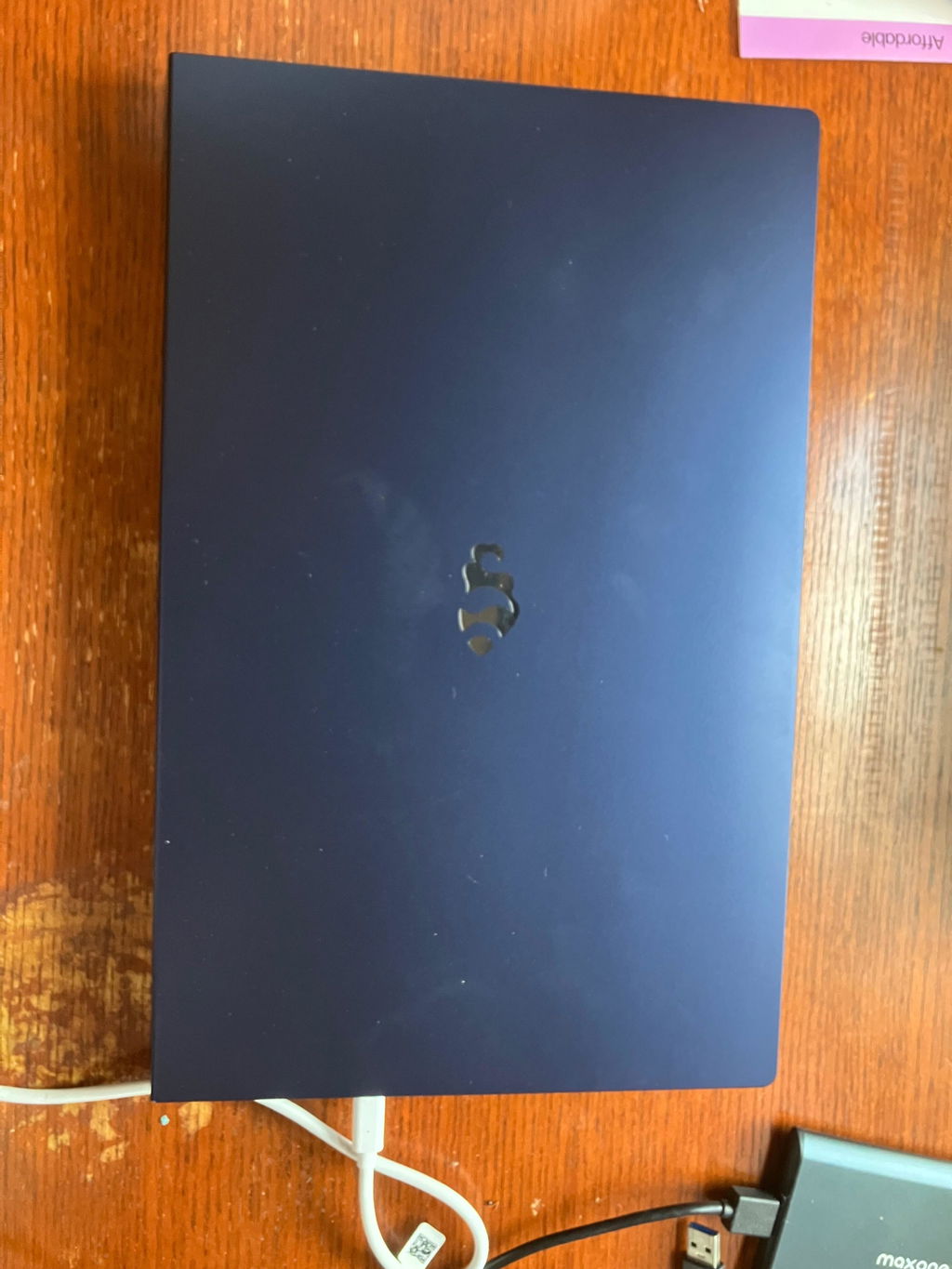
Great laptop! Can do moderate gaming, and I’m sure my shoes photo editing software will run like a dream. Only issue is the trackpad, it’s jumpy, laggy, and inaccurate. Otherwise it’s great!
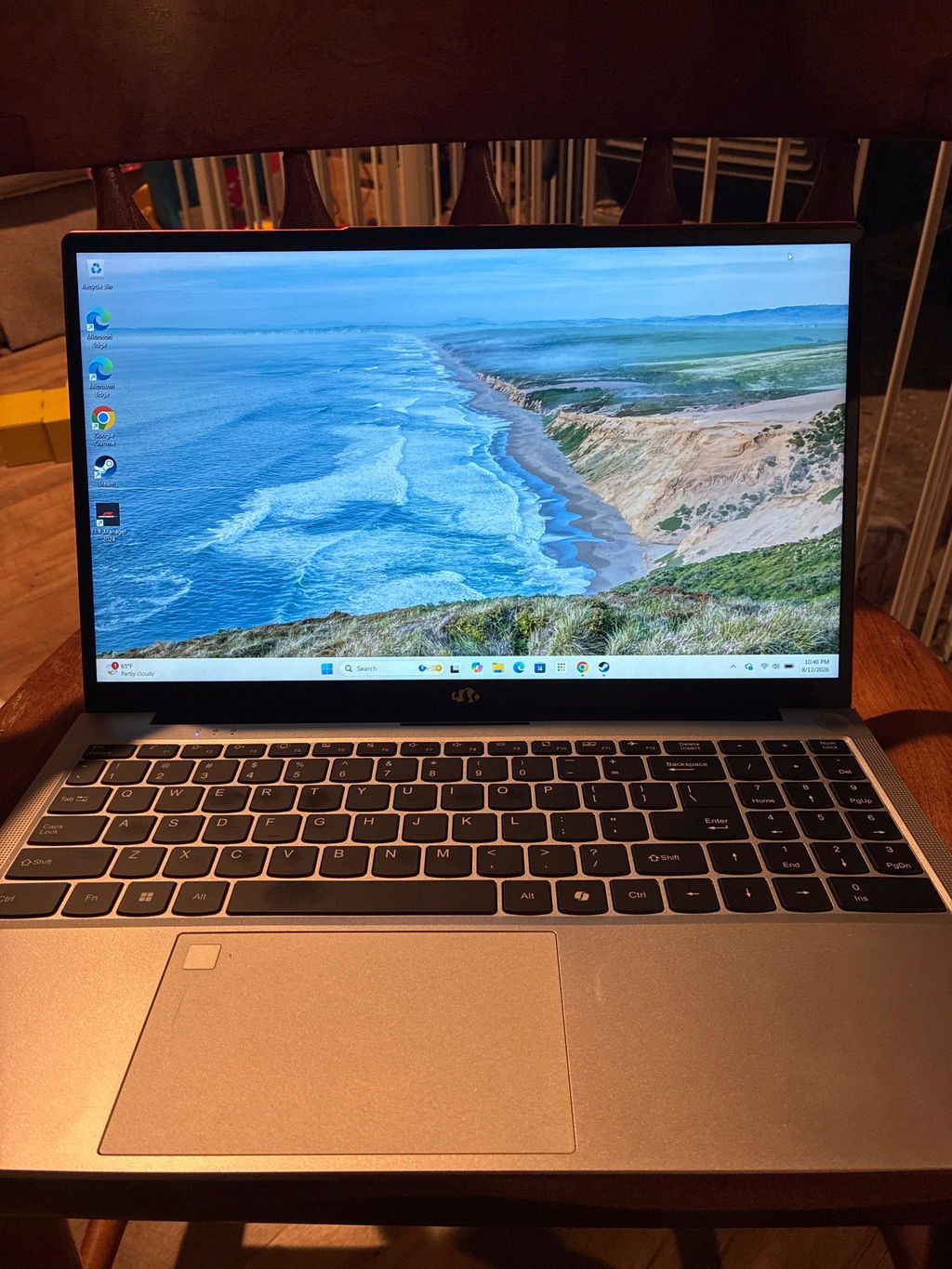
Love it! This brand is awesome. I just got my laptop in, and setup went smoothly. I had to purchase a usb to Ethernet cord for this one, but overall quality and performance is top tier. Got it for a great deal too. So glad I found this brand instead of spending $900 on a Victus. Thank you!
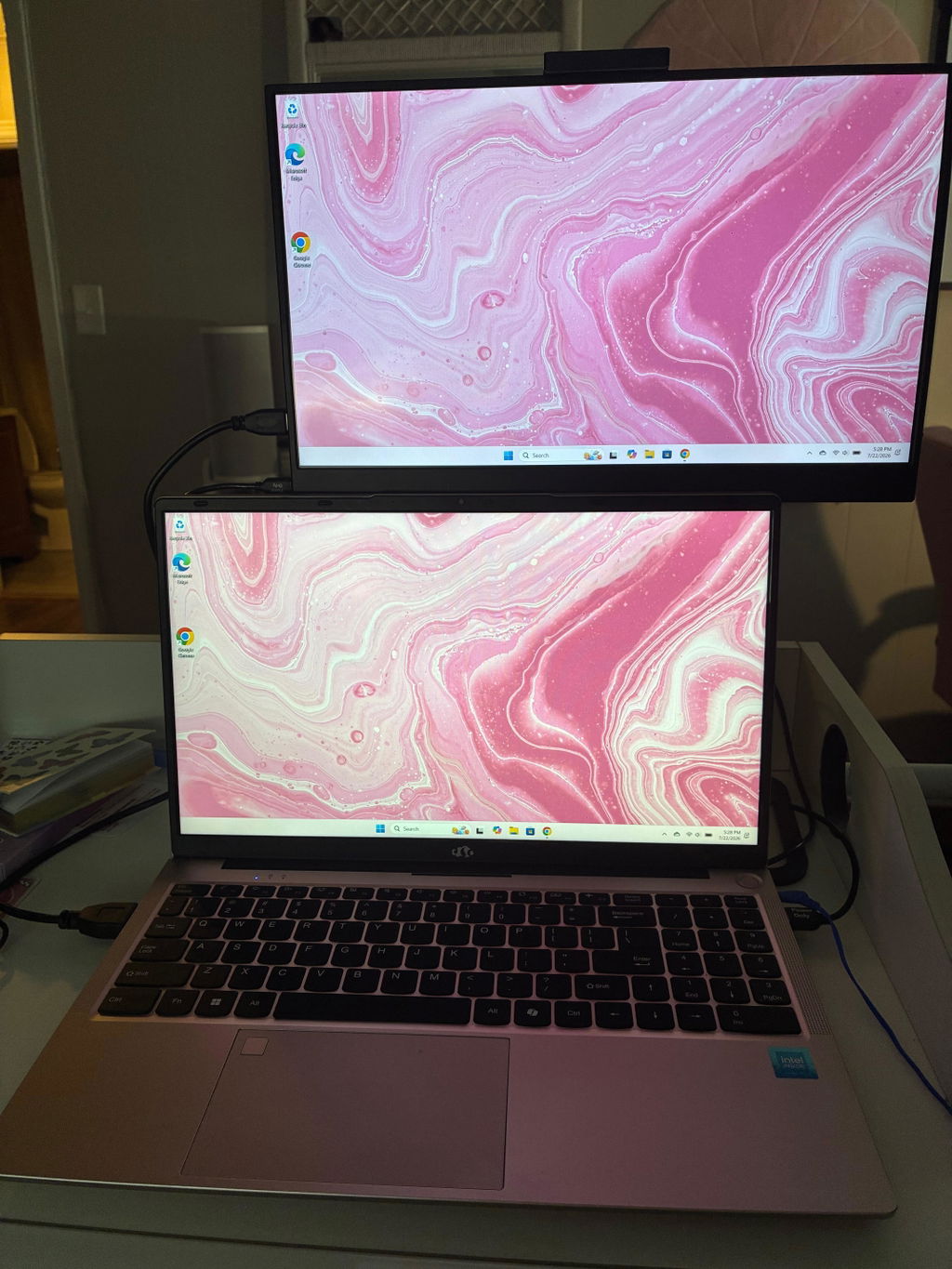
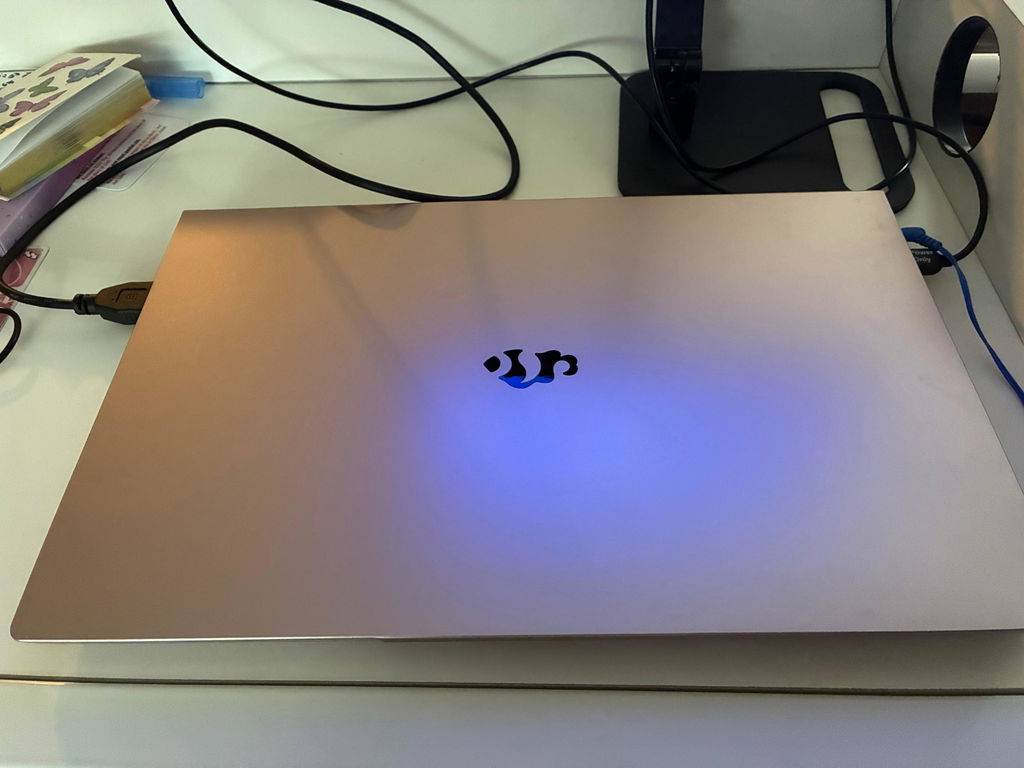
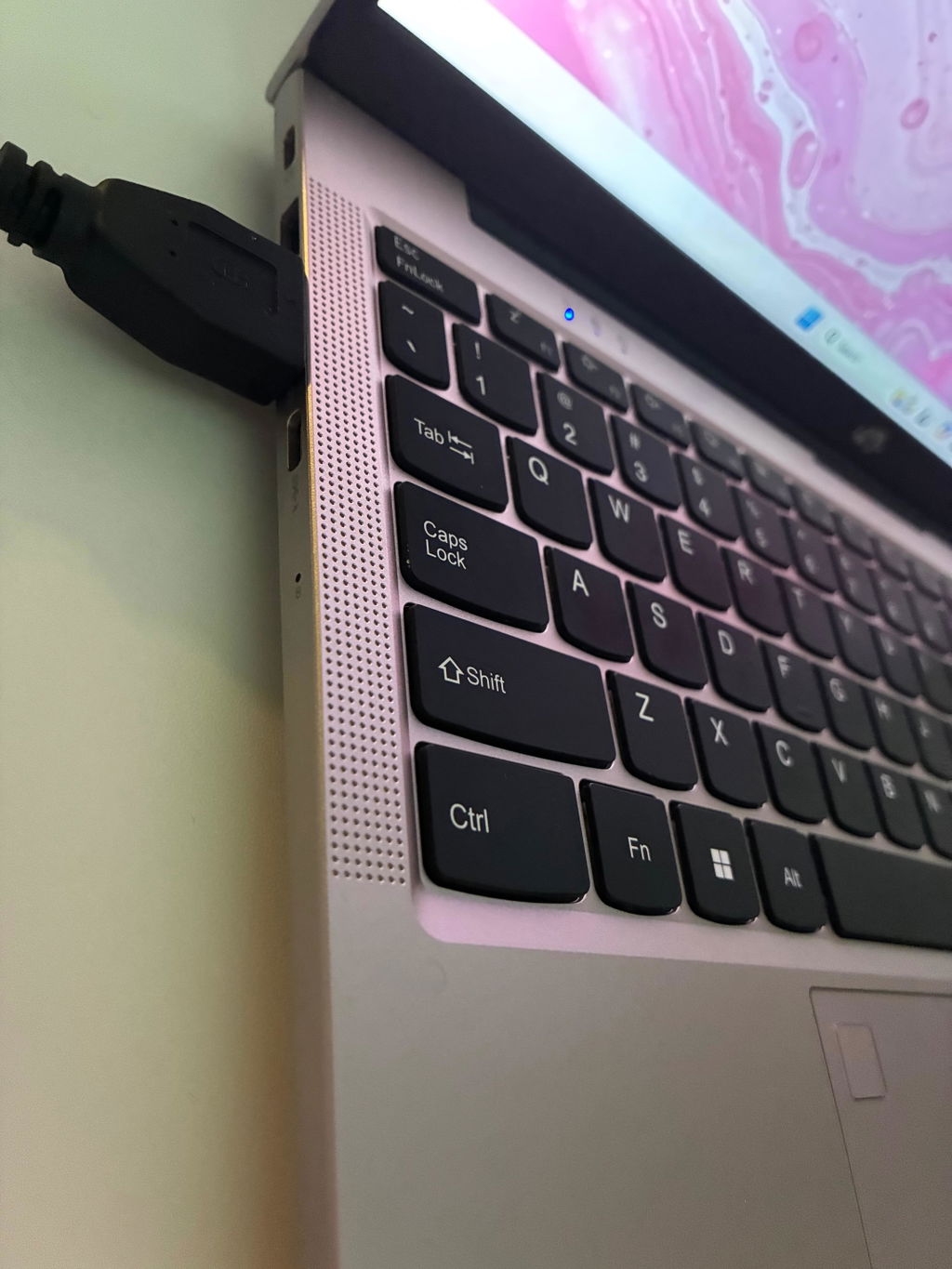
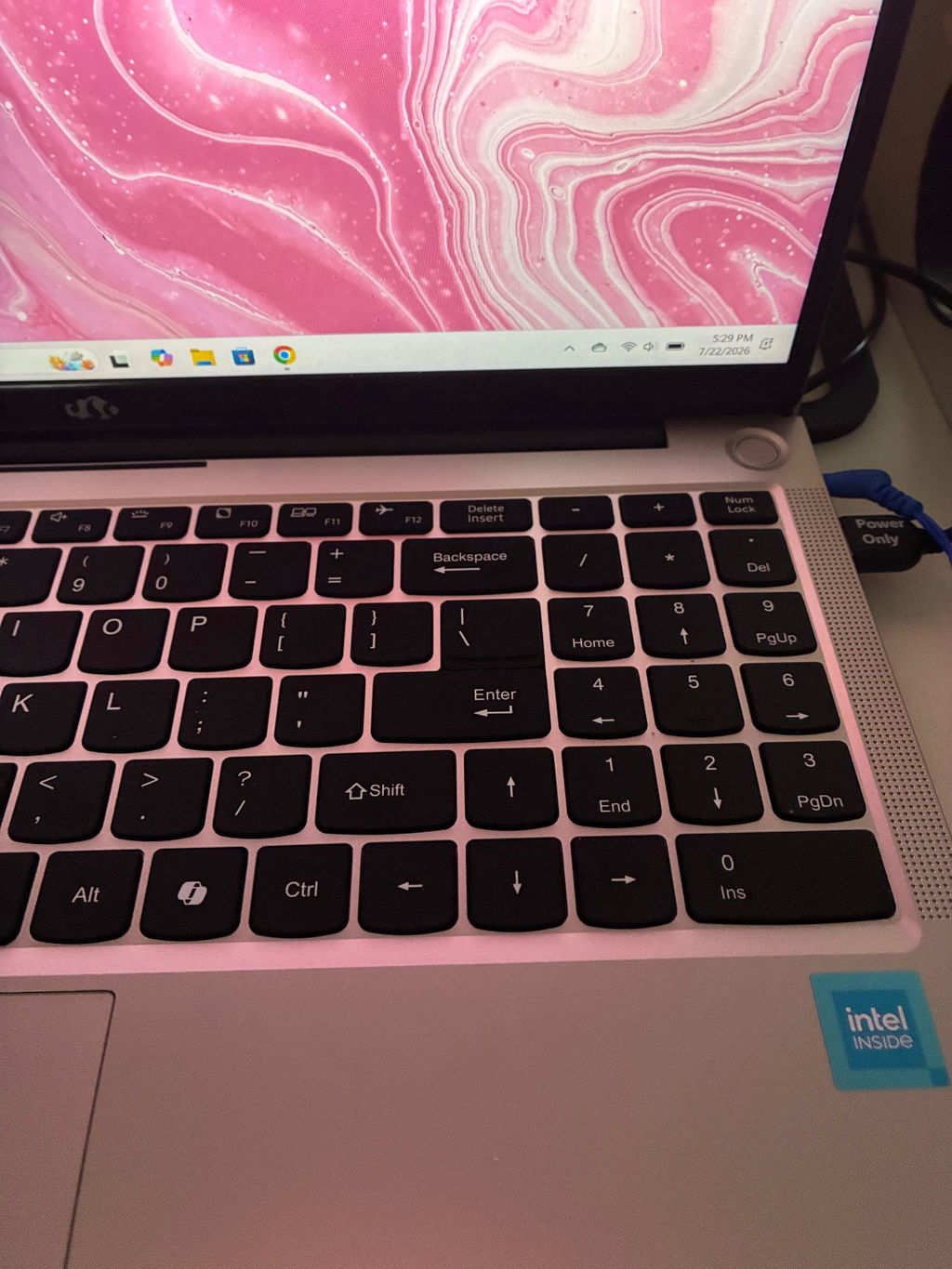
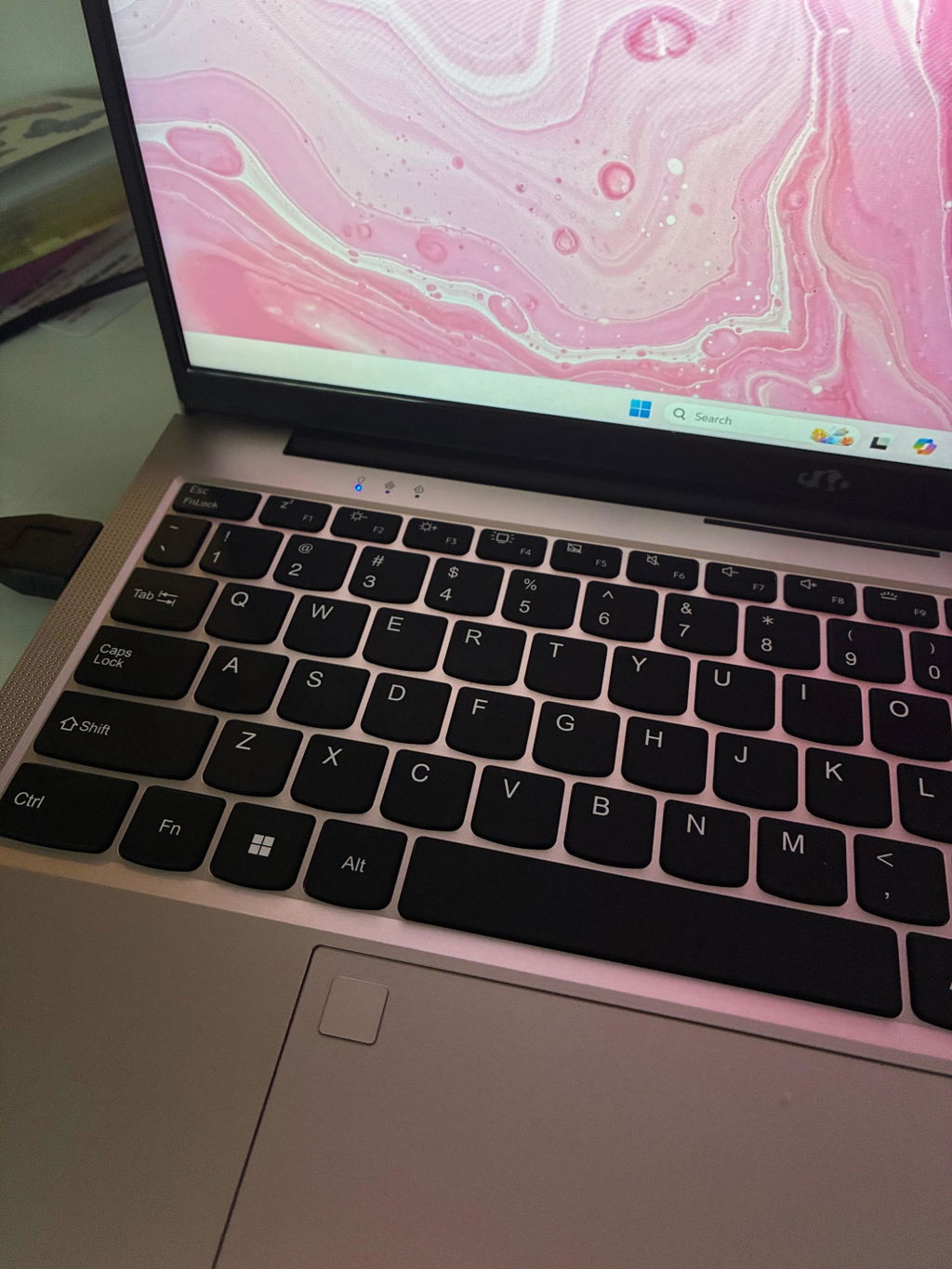
At 57 years old I’ve weathered the PC/Laptop world from the beginning. From my Commodore 64 and Amiga days, I still own 3. As a side note the Amiga was so ahead of its times. To the nightmare 5000 dollar 386 laptops when Intel could ask anything they wanted to and we had to pay it.
It’s 2026 now and Nimo caught my attention. I needed a fairly capable laptop powered by AMD. They broke Intels strangle hold on CPU’s and taught us all you don’t need fabs to own the performance cpu market.
Now Nimo is teaching us a laptop with top tier specs doesn’t need to be expensive or heavy. I ordered the AMD HX 370 with 890M graphics, 64 gigs of memory and 2 TB of SSD storage and and that nice 17.3 inch screen that’s easy on my old eyes.
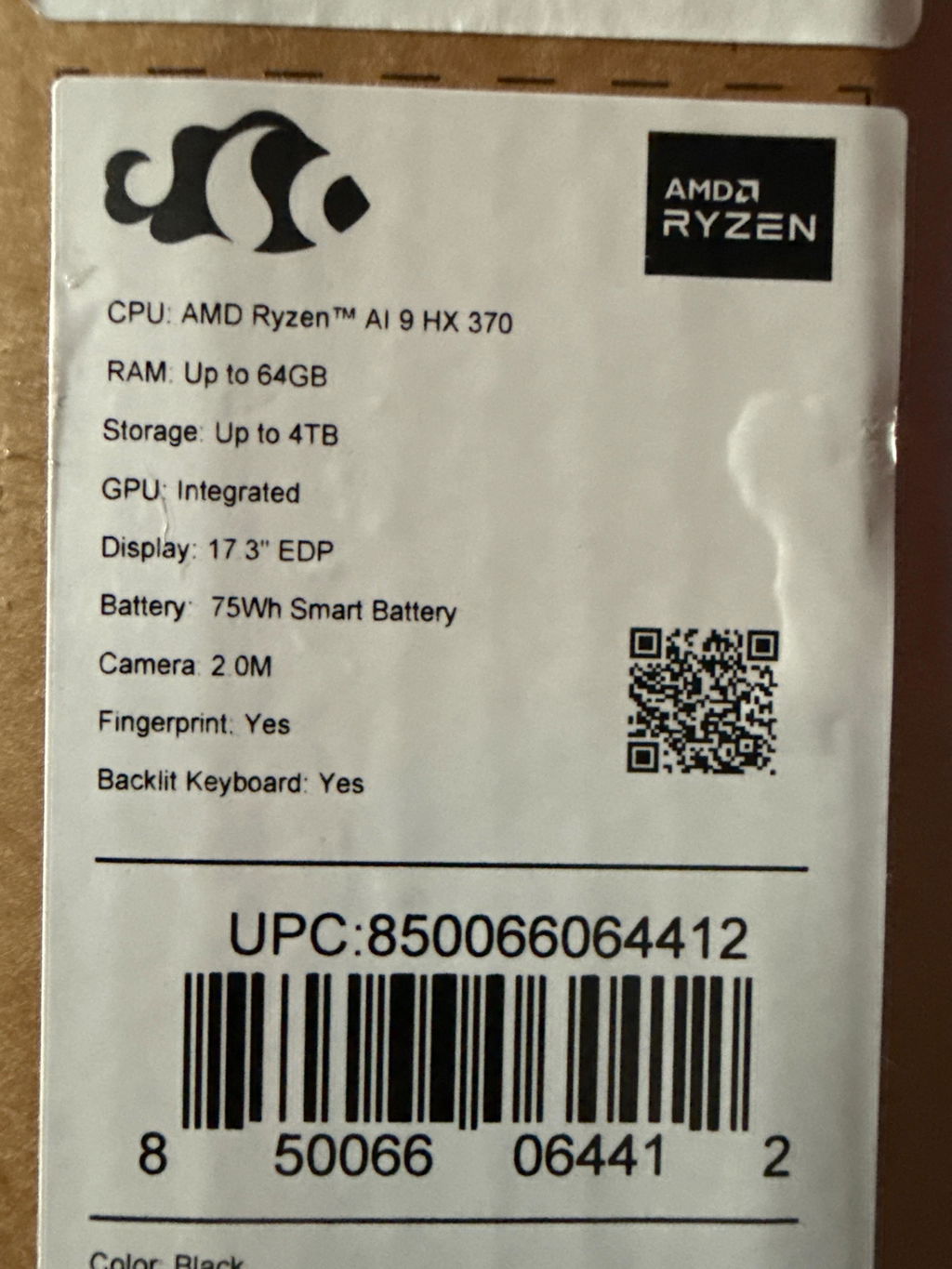
Nimo ships very fast (1 day!) the lappy arrived quickly and was well packed for safety(thanks Nimo), I looked at the specs on the sticker stuck to the box, yep 64 gigs…nice! 2TB of SSD storage…..nice! Ooooh the new Nimo AMD 370HX and the 890M! Never used any of them before. My computer collection is filled with AMD rigs but this is a first, my first Nimo and my first AMD HX Ryzen cpu.
My main rig is a new hand built AMD Ryzen 9950X3D2 and it destroys games but how will this new Nimo lappy handle my daily grind? We shall see.
I unboxed the Nimo and my first impression is very impressed. Such a clean, lightweight design! It looks and feels expensive. I’ve owned several expensive laptops in my life (Apple and Alienware I’m glaring at you) and this Nimo feels expensive and light! Talk about lightweight!
I was excited to turn on my new daily work and gaming laptop. The keyboard design falls right to my hands and that little round power button begs to be pressed. One small press and the Nimo sprang to life and I love the screen! Big and the perfect rez for me. Colors and clarity are fantastic and the refresh rate sooths my online gaming eyes.
After the usual updates to windows and a Linux partition which my Nimo seemed to enjoy I installed my first game. The triple AAA title Assassin’s creed black flag. I didn’t expect much honestly but I was so very wrong. This Nimo laptop maxed out the graphic settings at the screen maximum and the FPS are way more than just playable, color me impressed! Smooth, no jitters, no extreme dips in FPS just wonderfully smooth.
I threw on Metal Storm a modern jet combat game that is one of my favorites. I’m so blown away! This Nimo laptop is just so amazingly capable at a price that was more than fair. Beautiful colors, smooth gameplay, no ghosting, just amazing!
Yes of course the Nimo does all the other things more than well. All the boring things work perfectly like writing a paper or browsing Steam are peachy! All the daily things are done with no fuss just smooth and quiet(no moving parts or loud fans!)
Nimo has earned a loyal customer and I’ll be keeping an eye on their products for my next purchase. I hope they continue to focus on quality laptops and their desktop rigs look promising. I’d love to get a Nimo AMD 390 HX MAX or 400 series laptop. And a Nimo 9950X3D2 desktop would be great!
My Nimo wishlist
1. AMD 390 HX Max or 400 series
2. Pre installed Linux
3. RGB backlit keyboard
4. External AMD 9070XT video card
5. A desktop rig that’s high speed (AMD 9950X3D) that doesn’t look weird, no see through cases, no purple lights. Understated in appearance so an adult can own one.
Thanks Nimo for being an American based company and building quality laptops at reasonable prices.
I have always used a major brand label for my PC needs - which didn't always perform well - so I'd change - I've tried hp, dell, gateway, toshiba, acer, lenovo and probably others - so this time I tried a different angle, away from those big brands and I found Nimo - so far I have been very pleased - time will tell about durability but so far initial quality and my impression are thumbs way up - keep up the good work, Nimo!
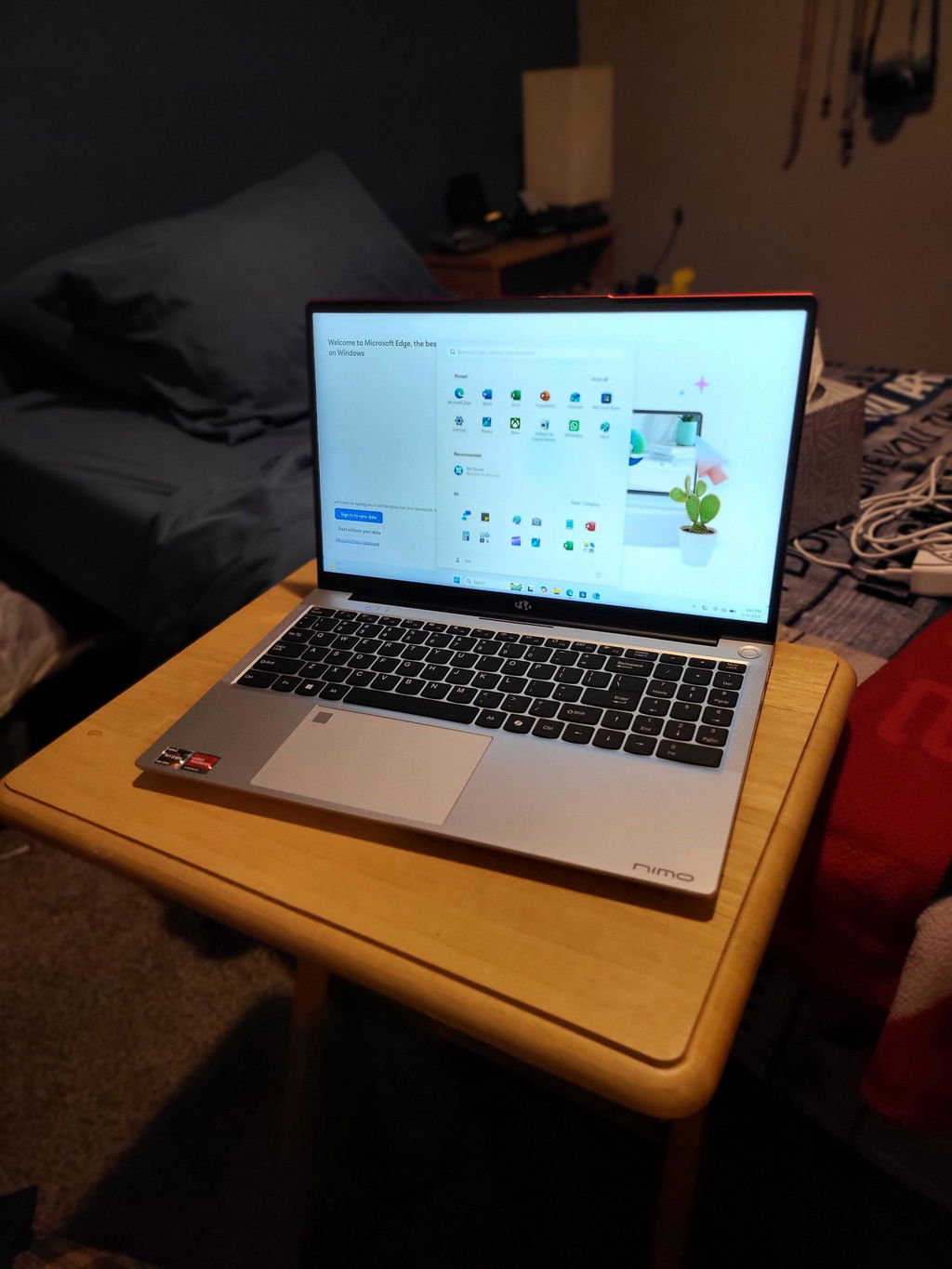
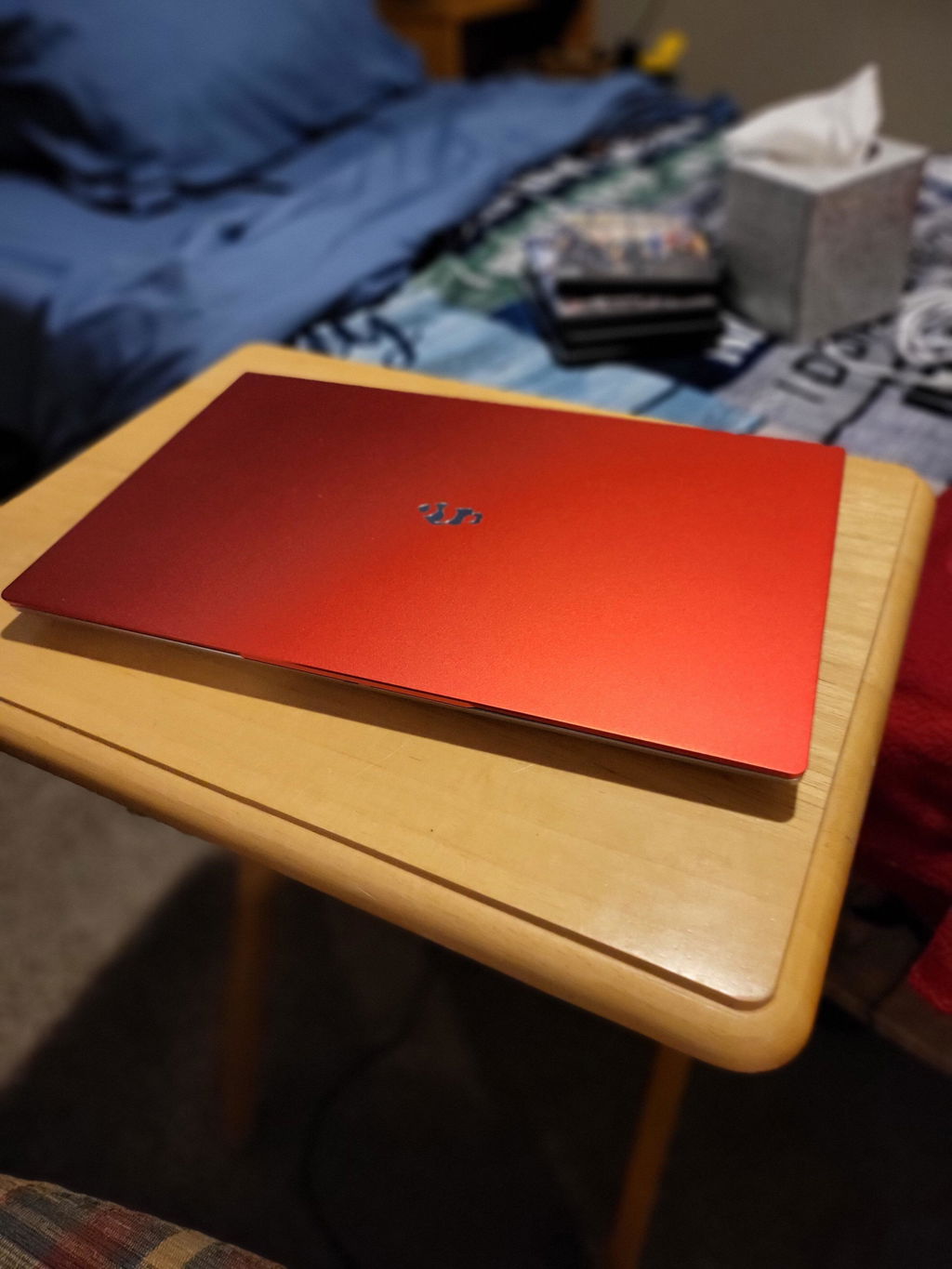
I’ve had aced and hp laptops for years, I have to say the brand is pretty amazing.
I would have given it five stars, but I can’t seem to find accessories for this brand
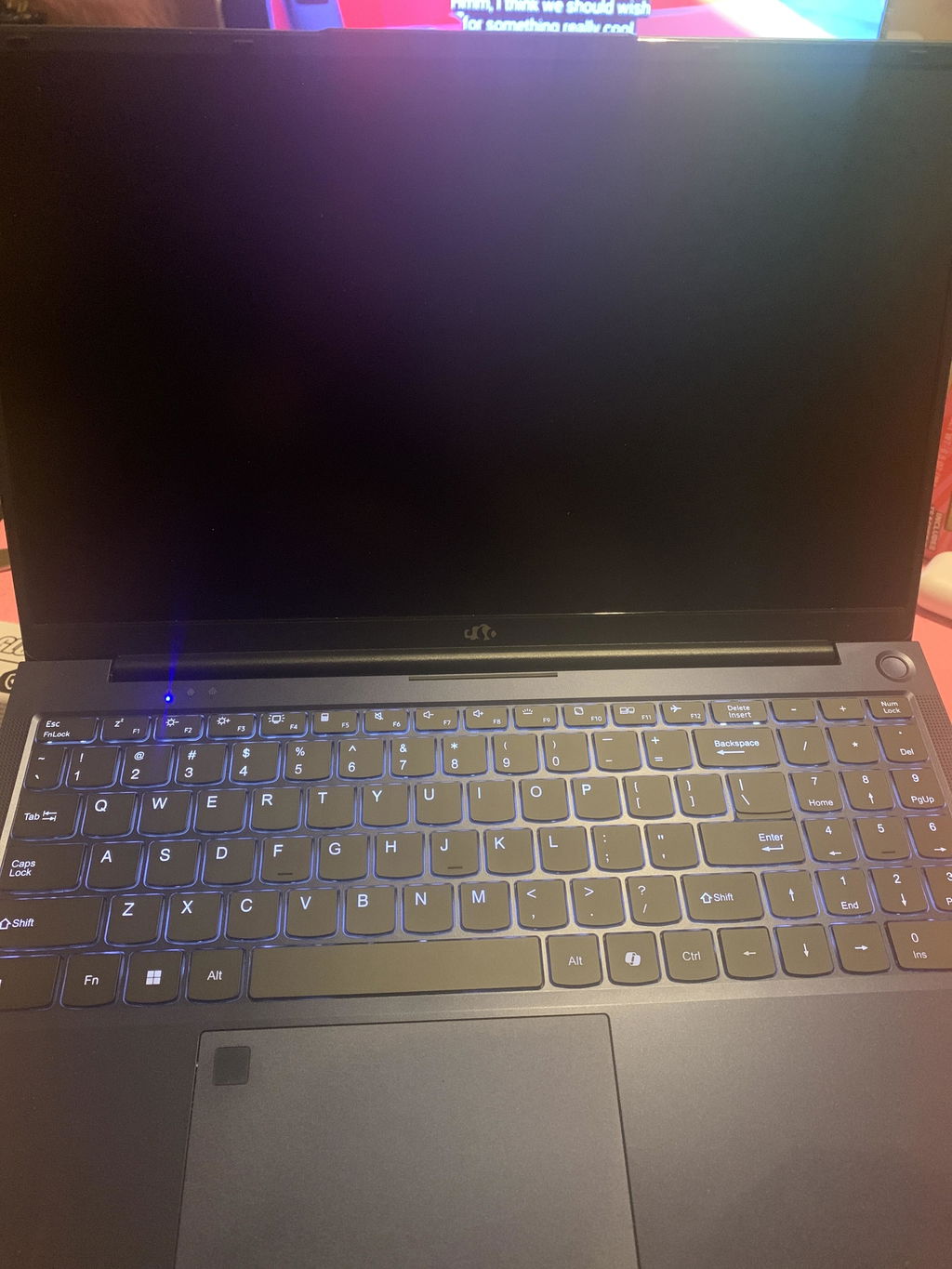
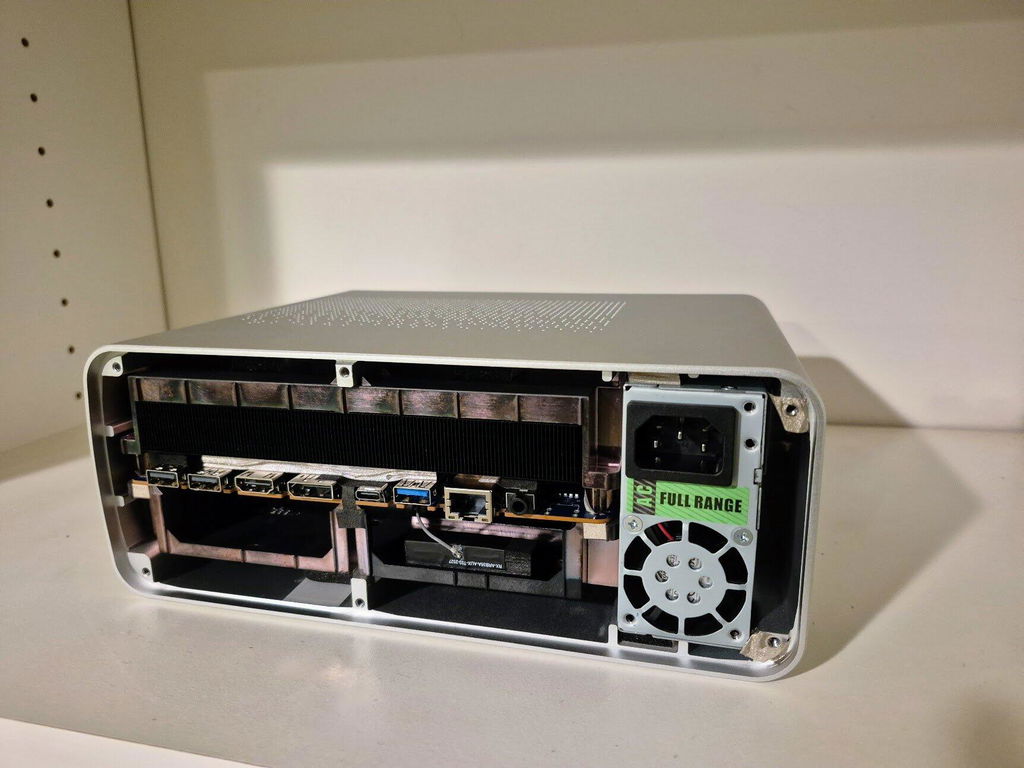
I went down a rabbit hole of research before picking up Nimo's Strix Halo machine. At this price point, the only competitor I found were the Bosgame M5, and that suffered from looking like a gaudy spaceship. The only hangup I had was that I wasn't sure how the second M.2 slot was accessed and if it would be too difficult to add a M.2 to Oculink card to it for an eventual eGPU.
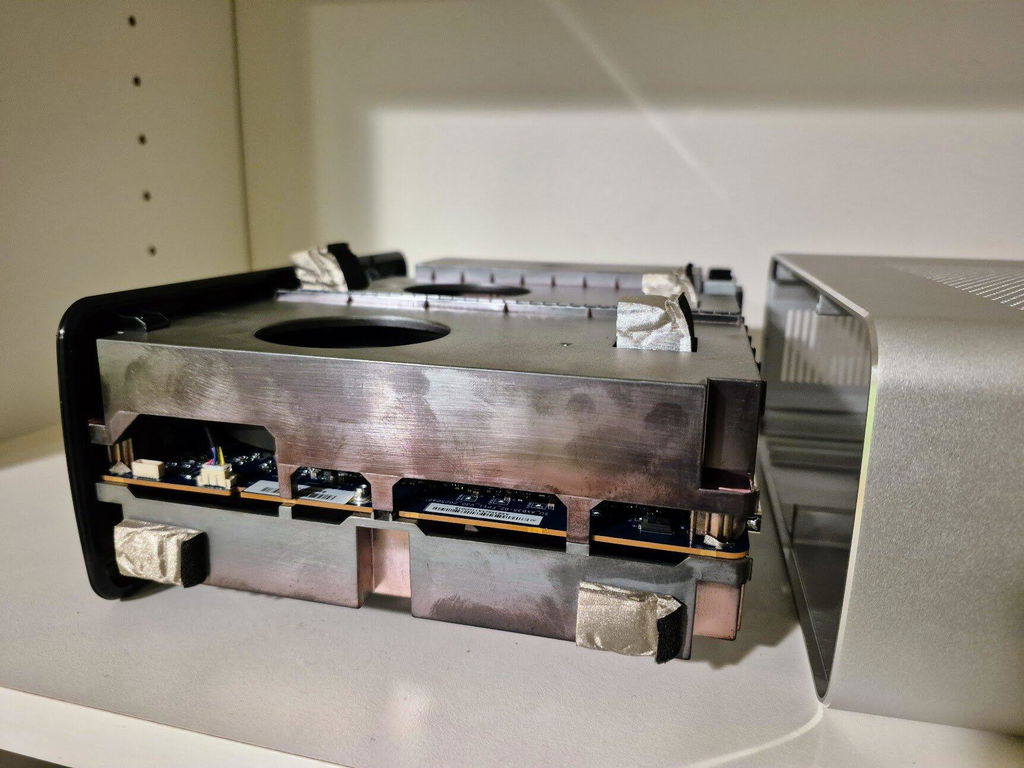
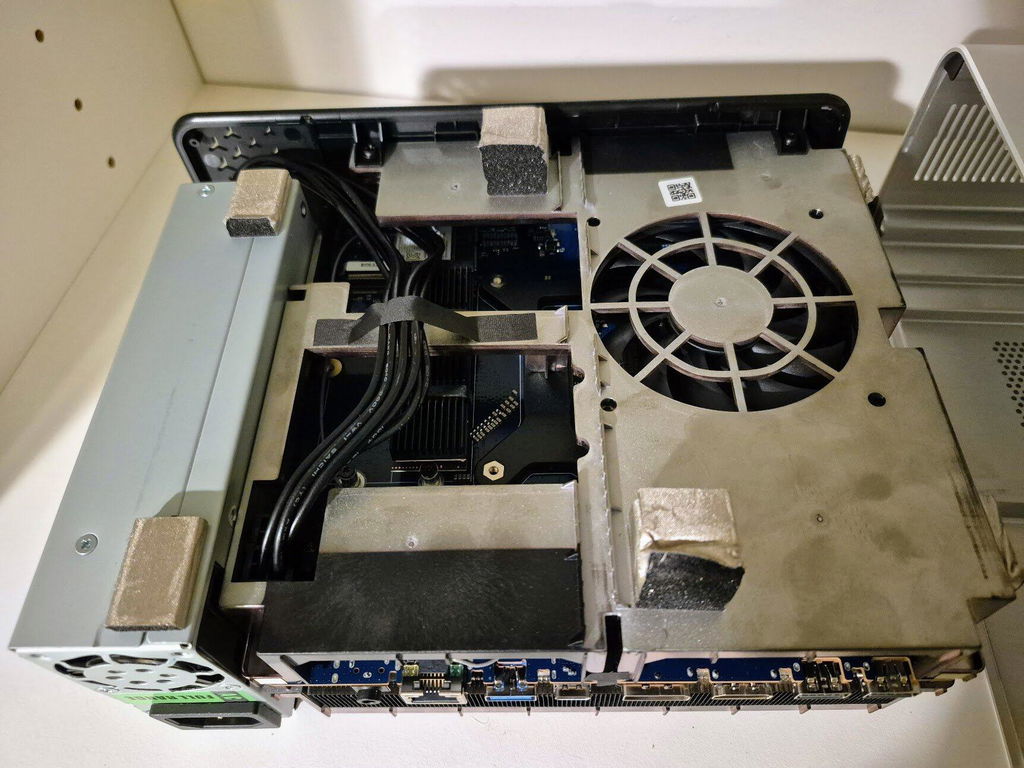
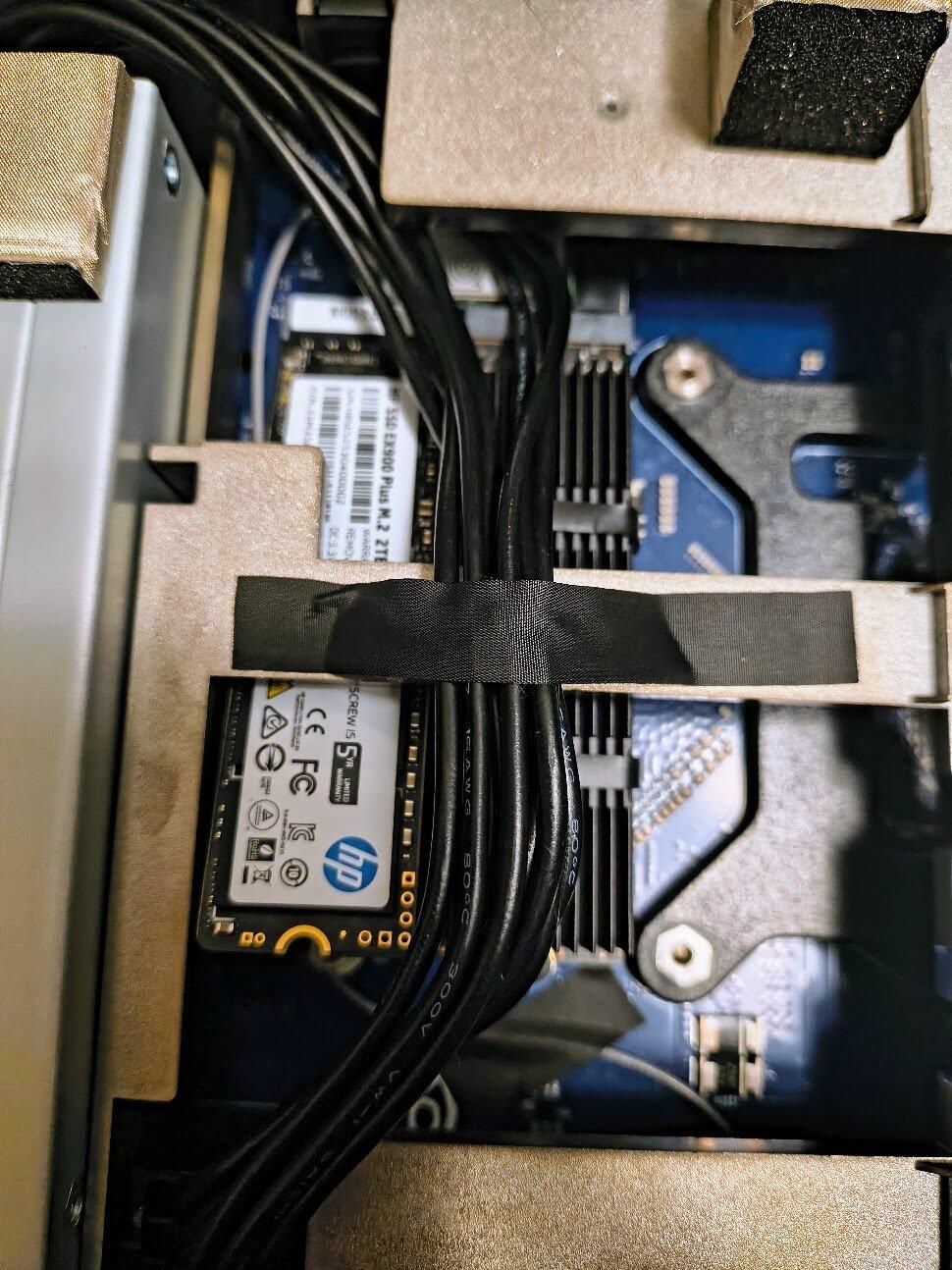
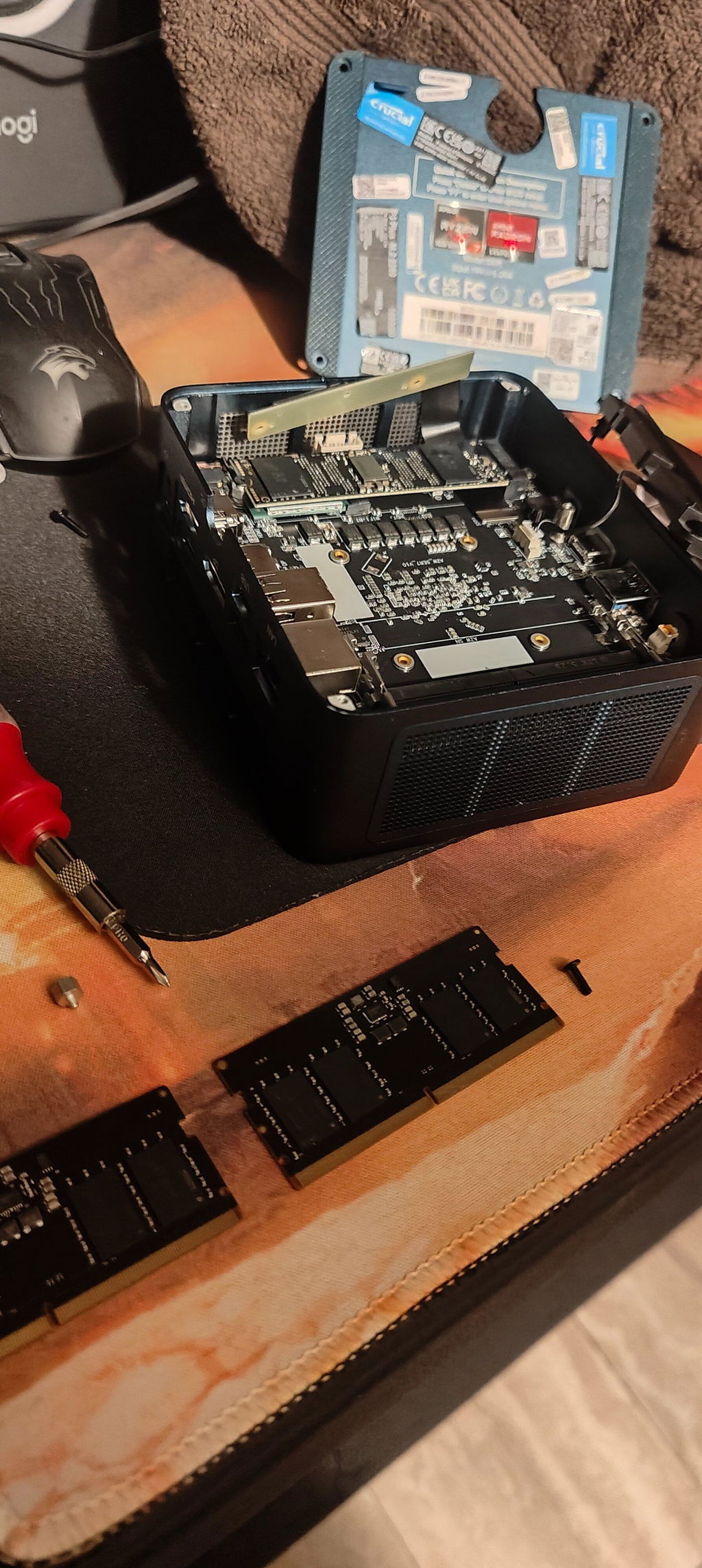
So, I decided to add guide on how to access the M.2 slots. The included documentation doesn't go over this.
1) On the back of the machine, there are 9 screws to remove. Remove them and pop off the faceplate.
2) Push against the back of the machine so that the internals slide forward out of the frame.
3) The M.2 slots are on the backside of the big heatsink. There's a metal bar going over the area, but you can squeeze a M.2 drive underneath it. The Wifi card is behind one of the bigger blocks, so it would be a lot more difficult to access.
It'll be a tight squeeze, but I think it'll be a straight shot from the M.2 slot to the back of the machine if I wanted to add an oculink adapter. USB4 is also available for plugging a eGPU through that instead.
Entering the BIOS is the F2 key. You can set the GPU RAM allocation there too.
This system uses the same Sixunited_AXB35 board as the Bosgame M5, GMKtec EVO-X2, and Corsair AI 300. GMKtec was a lot more aggressive in their marketing, so you'll find the most videos online about it, but they're using the same exact board. By comparison, the Nimo has a lot more heatsinks and metal clamping everything down. The strixhalo wiki was invaluable in learning what you can and can't do with this machine.
I tried out running some models with Fedora and Windows. You'll have to fight some of the ROCm support issues with Fedora (Vulkan is pretty straightforward), but LM Studio is a really good starting point. For Windows, you can run ComfyUI for generating video and images, but it's optimized for CUDA. I suggest sticking with LM Studio on Windows if you're a beginner since it provides a nice interface for picking and choosing what models you want loaded.
The only other system I would consider is the Framework Desktop or the Minisforum S1-MAX. Framework is approximately the same price as the Nimo, but missing the PSU, NVME, and Wifi card. From what I can tell, the Nimo's board is slightly larger than the ITX standard, so you would have to put in some custom standoffs if you want to exchange the case for a traditional computer chassis with more cooling. Minisforum will have the USB4 V2 speeds to connect a eGPU (I'm not sure how.. there's not enough PCIe lanes for them to push that much through), but at +$500 the price. Nimo has the longest return period and longest warranty, so that's why I decided to go with them.
In general, I'm pretty happy with the machine. I have reservations about the Strix Halo platform and its ability to keep up with traditional CUDA platforms for local AI. I'm also not sure if all this AI stuff is going to work out in the long run, but I'll have a pretty beefy machine for quite a long time.
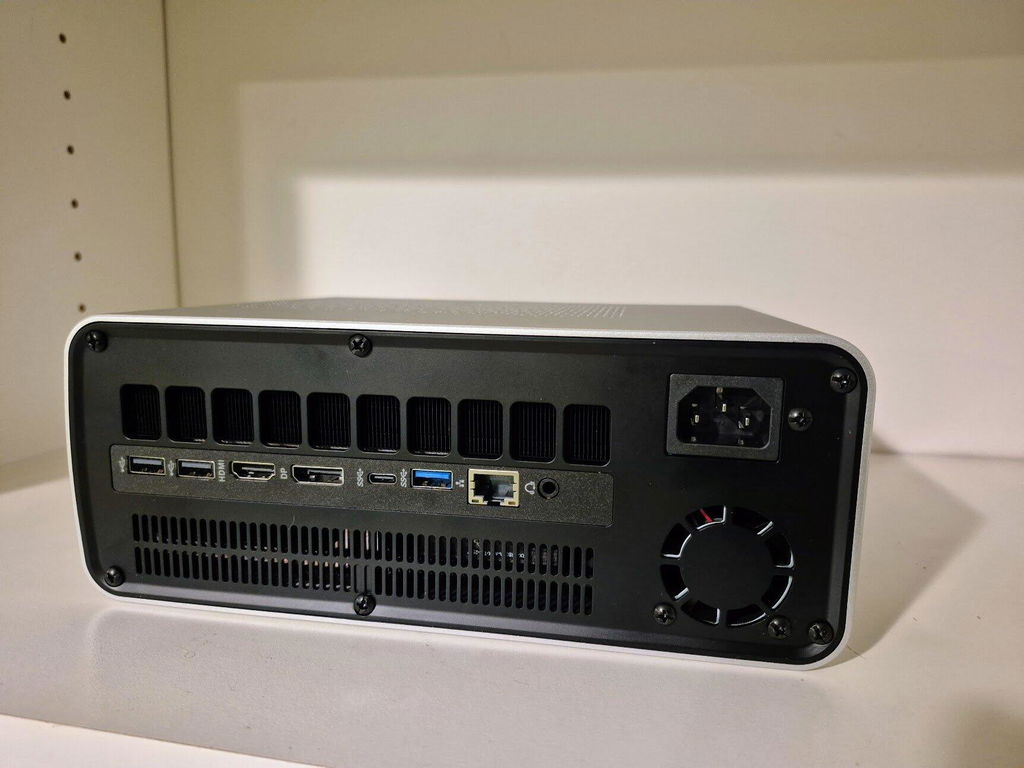
The laptop was good except it froze and restarted every one hour or two. The support team was very responsive and are still helping me with it, just waiting on a response for their incorrect replacement
I've seen over several thousand posts eBay m.2 breaking from sticker adhesive dripping and is 40x as hot as ram sticks get all the adhesives off bad for the environment inside the computers eventually.
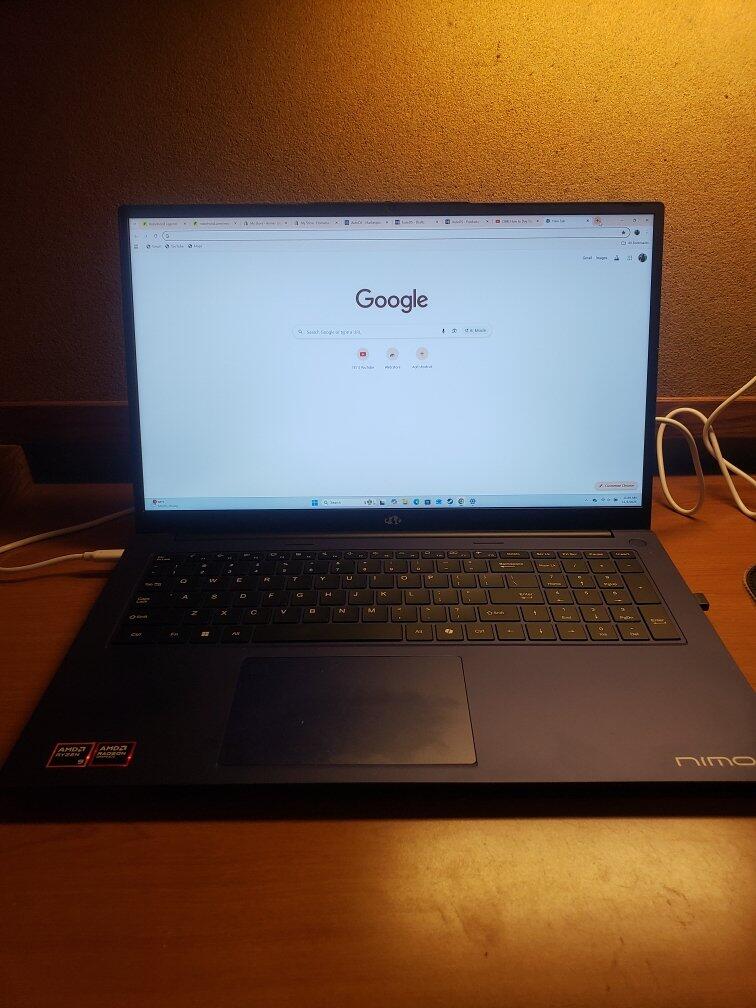
My son can't stop raving about this laptop. He loves it! It will last him a lifetime with the storage, large screen, ram processing is so fast, he wouldn't change a thing!
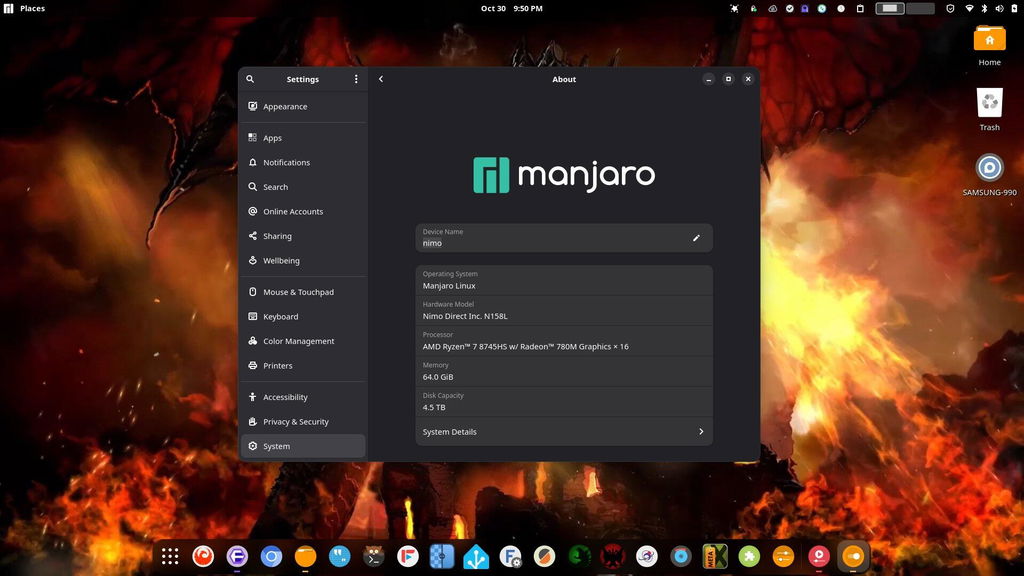
The only issue I have is the fingerprint reader is non-supported, as no Linux drivers exist for the particular chipset used. The one issue aside, the laptop works very well for me. Compiles wine32 in about 17 minutes. I appreciate that it supports 2 NVME drives. I use one for the OS and the other for /home. System 76 sells a Linux specific laptop that uses the same AMD Radeon™ 780M gpu.
Laptop arrived quickly and was easy to set up out of the box. I had a great customer service. I don't know what people are waiting for and sleeping on this more affordable laptop.
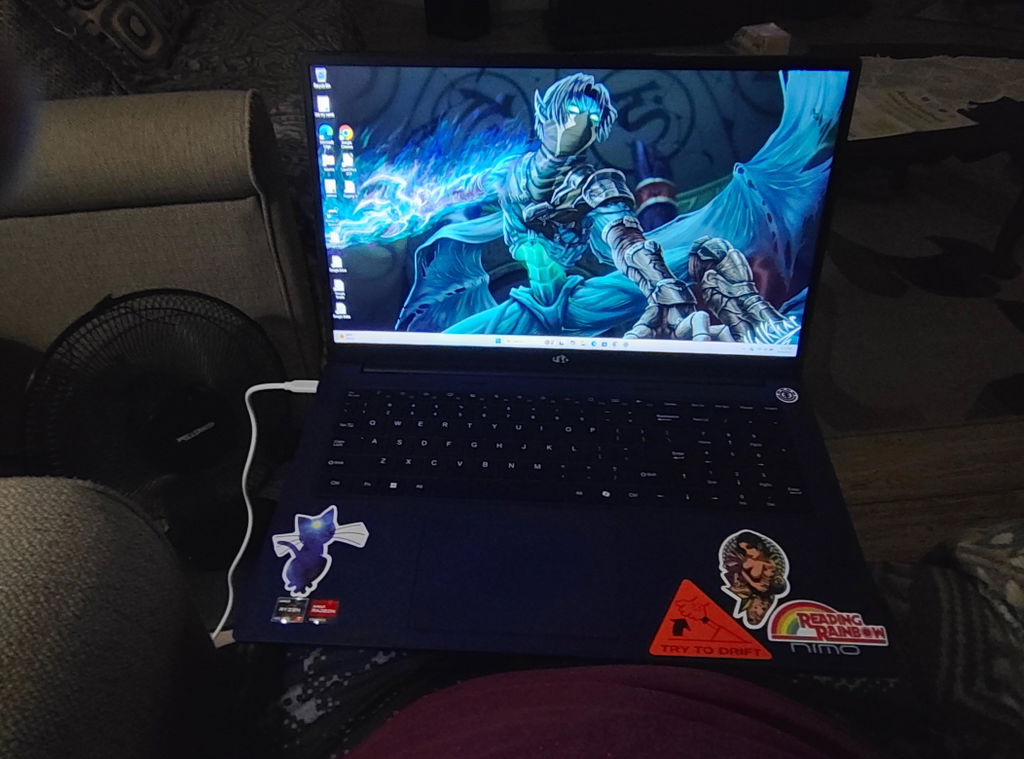
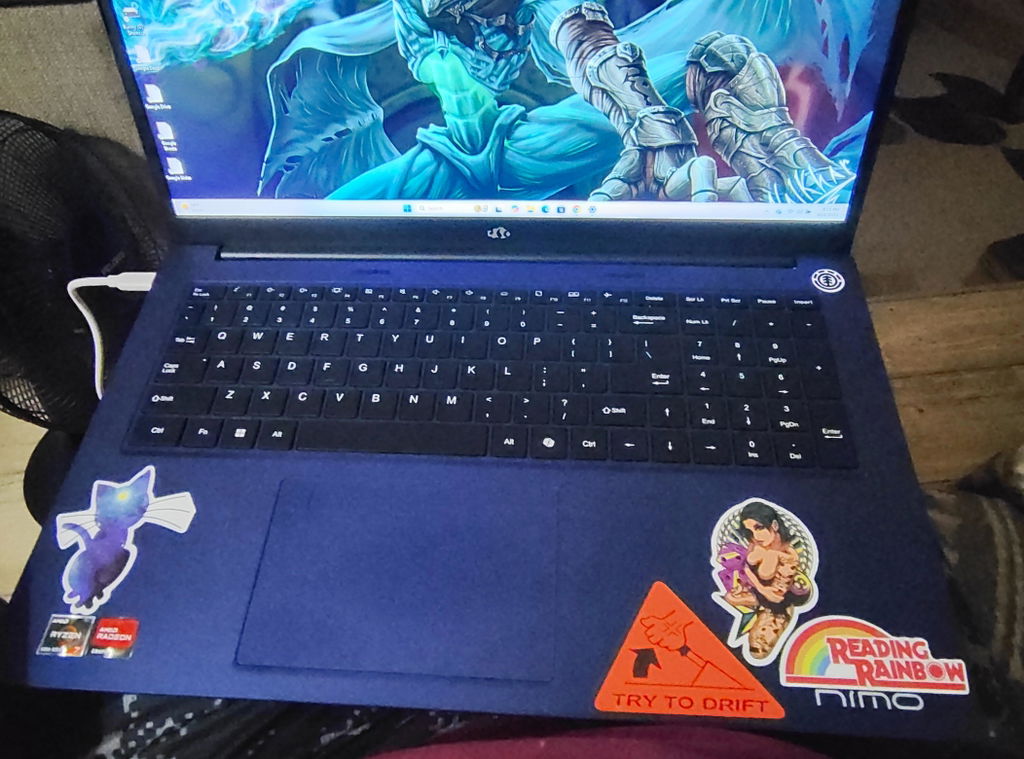
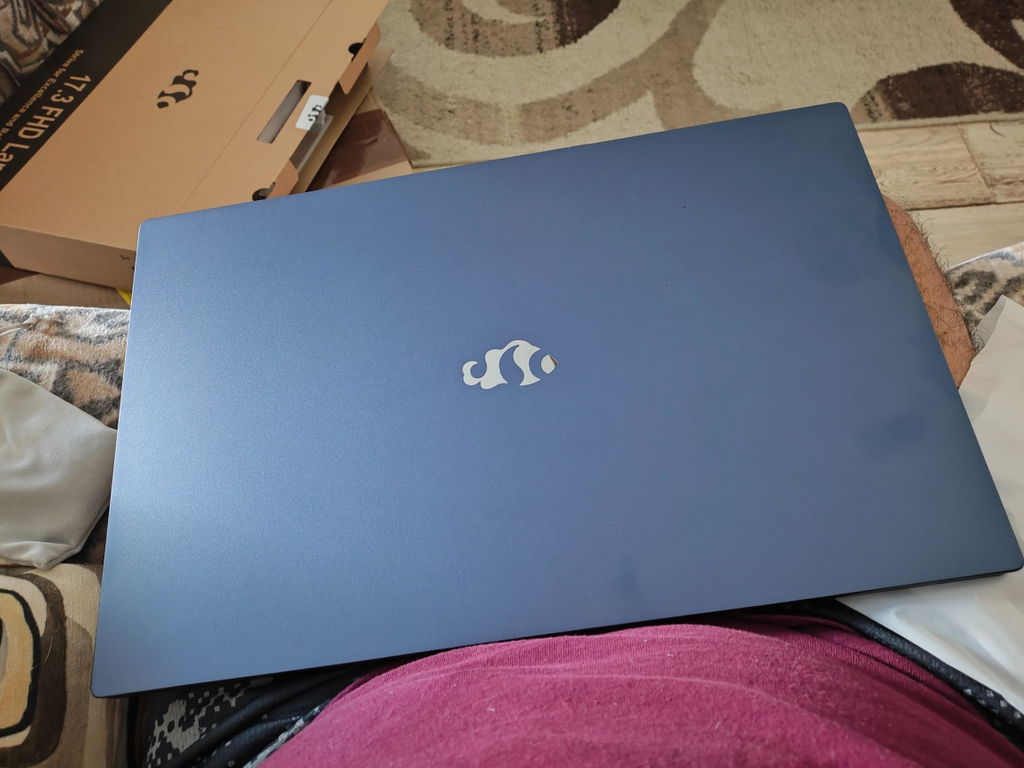
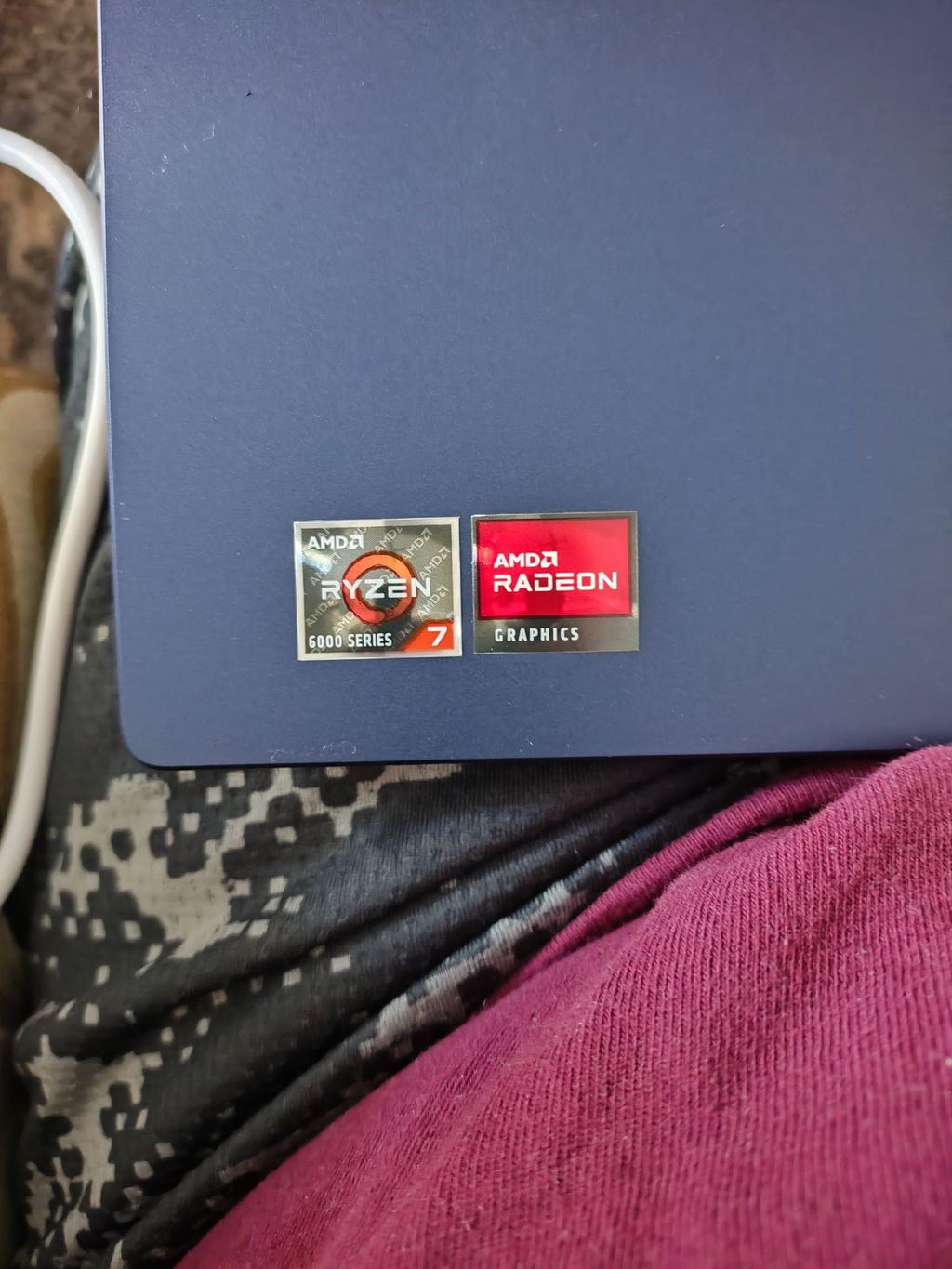
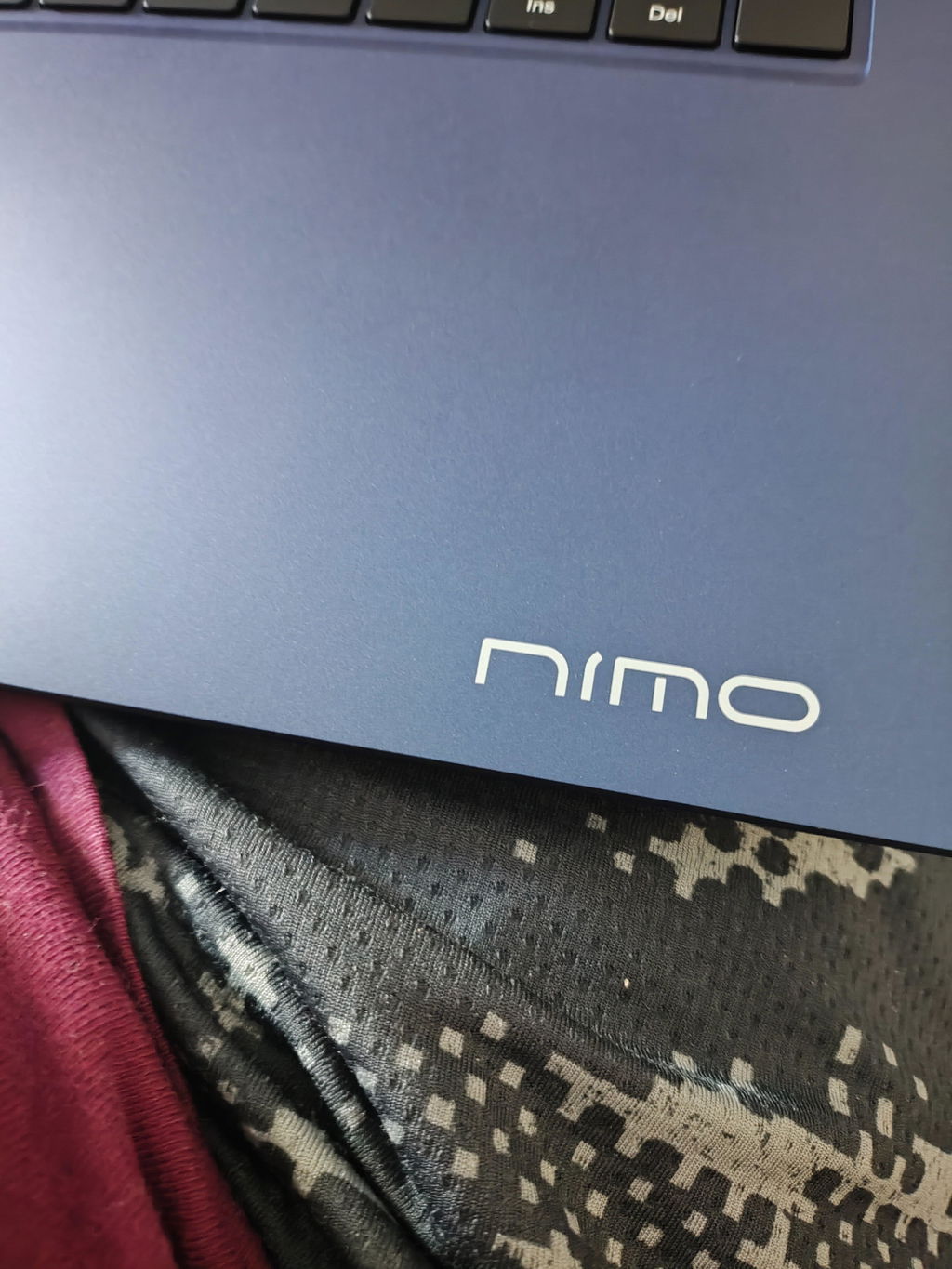
I have been testing all kinds of things on it. Windows works decently. I installed Linux and it works good too. It works for light gaming and work.
I think Nimo only needs a better variety of processors to be a top tier brand. Maybe some models with a dedicated GPU. But overall it's great. Wish they would ship to Mexico.
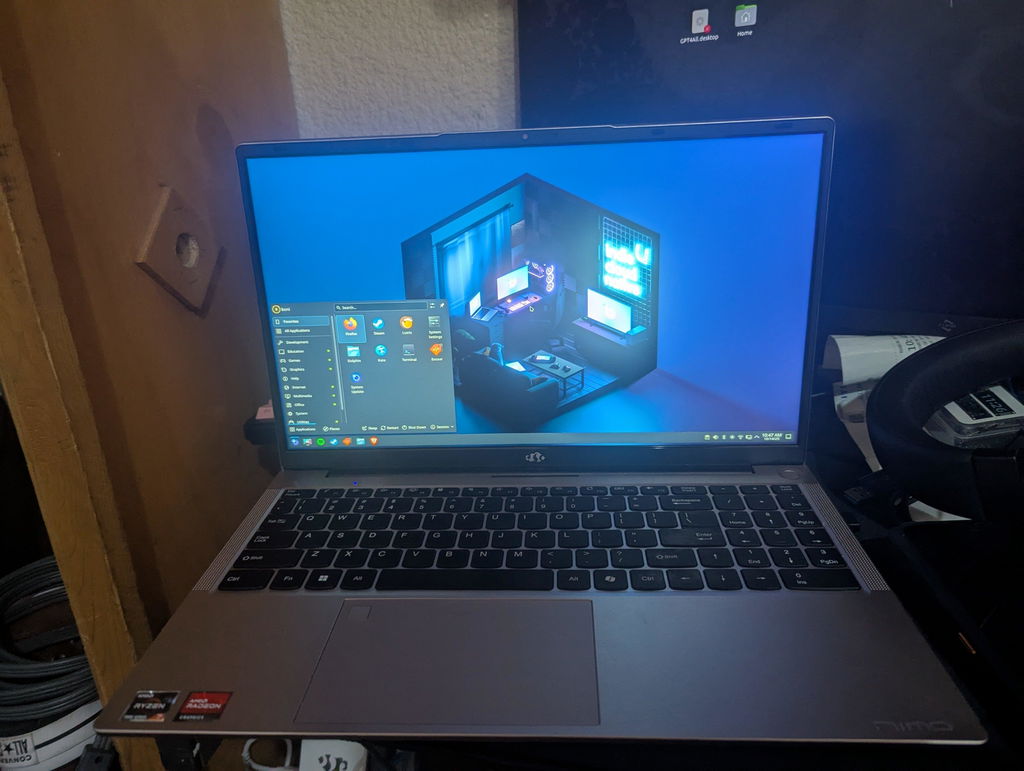
And when I had a question about increasing the ram on my own sometime down the line I got a quick response from customer service and they were very helpful.
I'll be using it for my astrophotography programs since macOS doesn't have a whole lot.
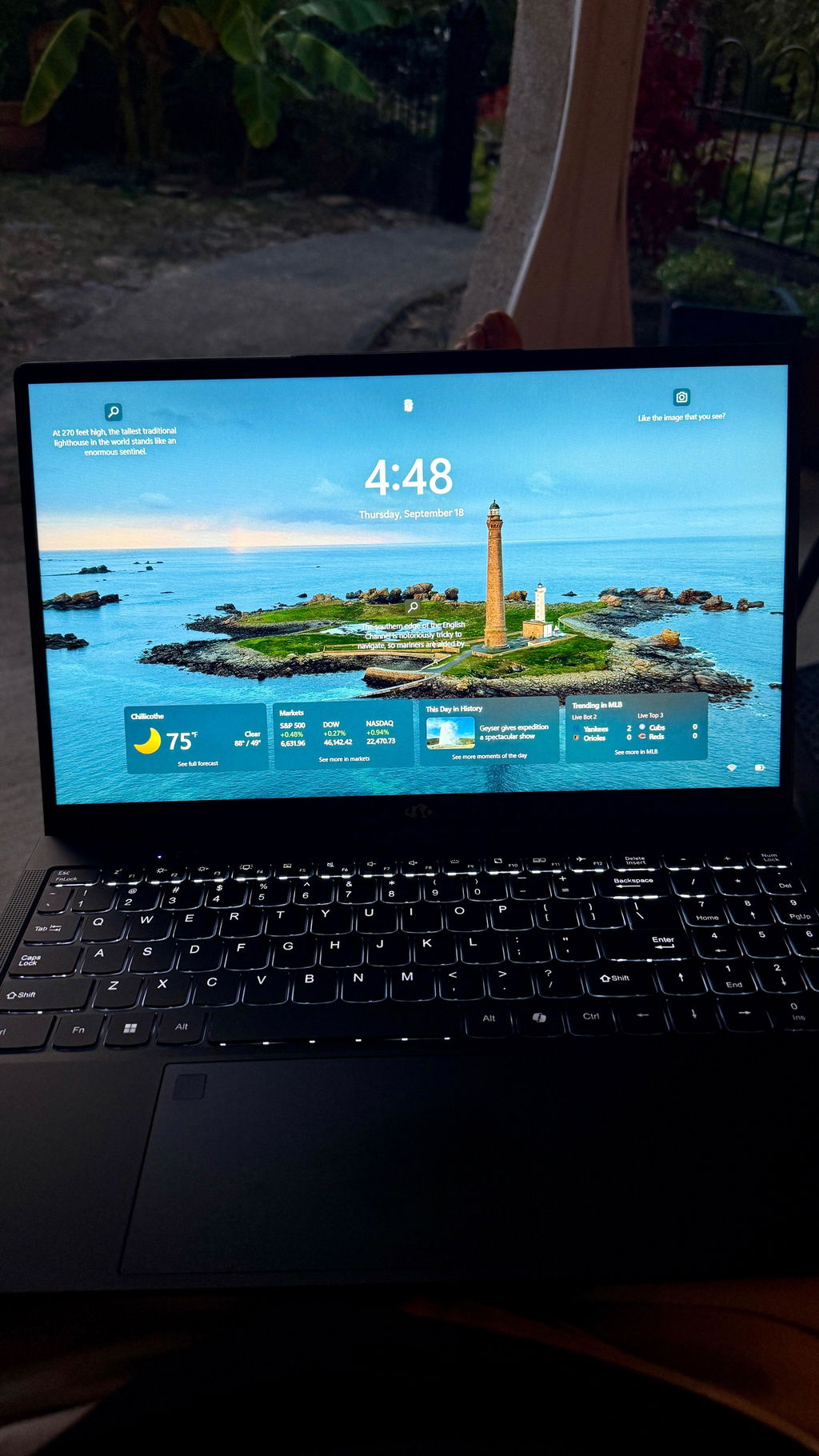
I must admit, at first I was a bit skeptical when I heard of Nimo Pc’s. I was looking for a laptop for my daughter for school work. Not too fancy, but just the right specs where everything would run buttery smooth on her laptop. Unboxing the laptop you will see that they took great care in boxing the laptop and the quality really does shine out the box. Setting up was a breeze and my daughter was happy. Upgrading to more Ram and storage space is really cheap. I will definitely buy another laptop from NIMO for my other kids.
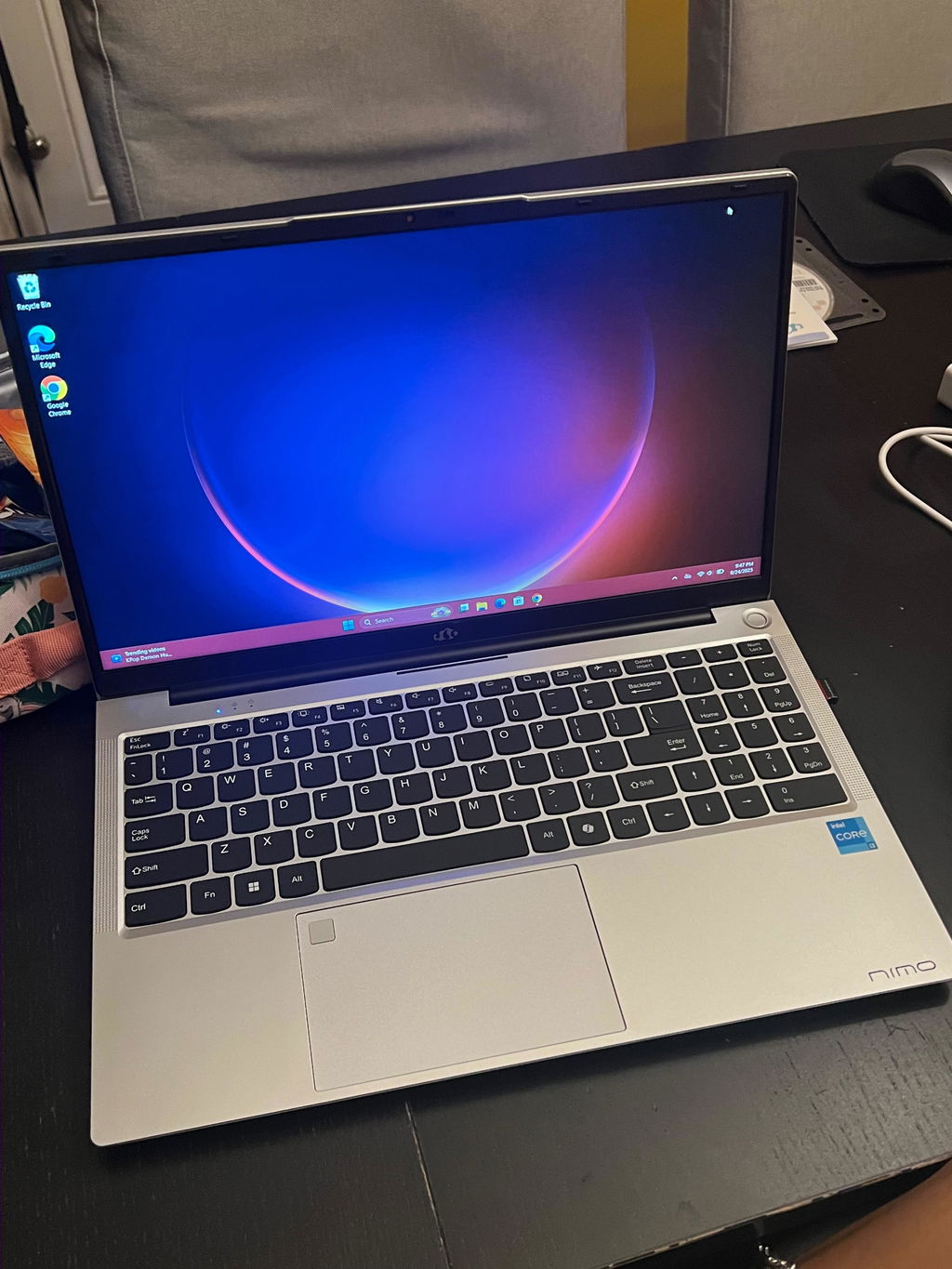
Does everything I wanted it to do and more. Have had it for over a week now and its been great, zero issues with it. Handles lower intensity games such as Minecraft, Roblox and Raid Shadow Legends with no issues. If you go up a tier to titles like Path of Exile 2 then you'll need to lower the graphics settings but still is great and obviously there other tiers of laptops on Nimo if youre looking for more intense gaming capabilities.
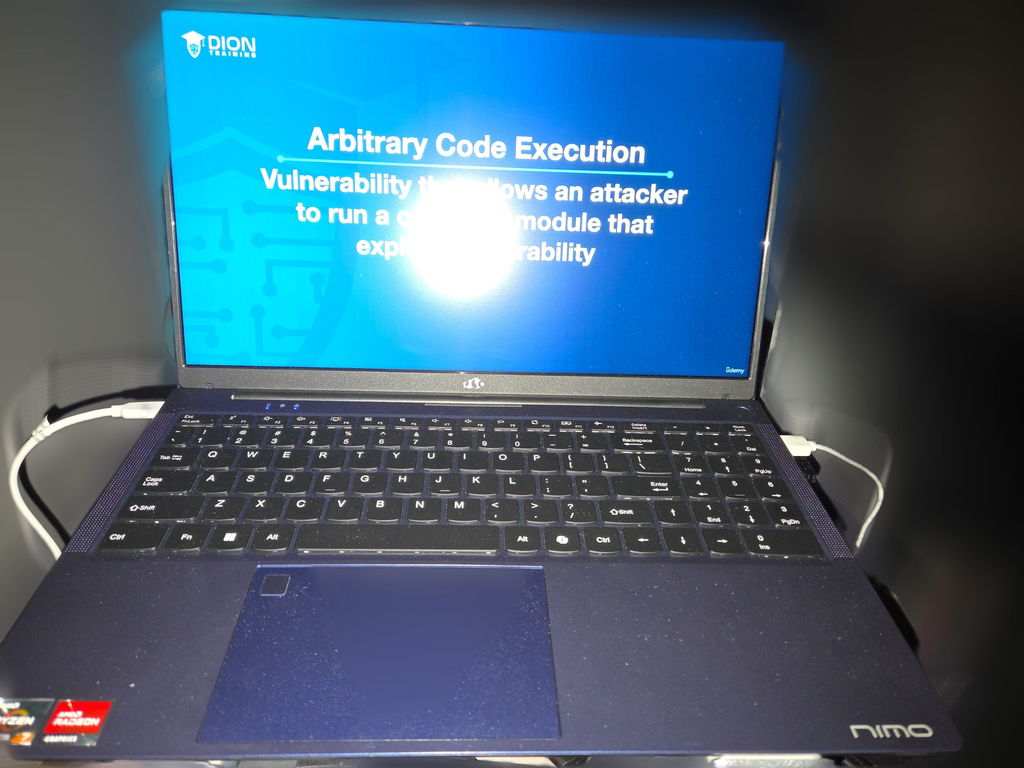
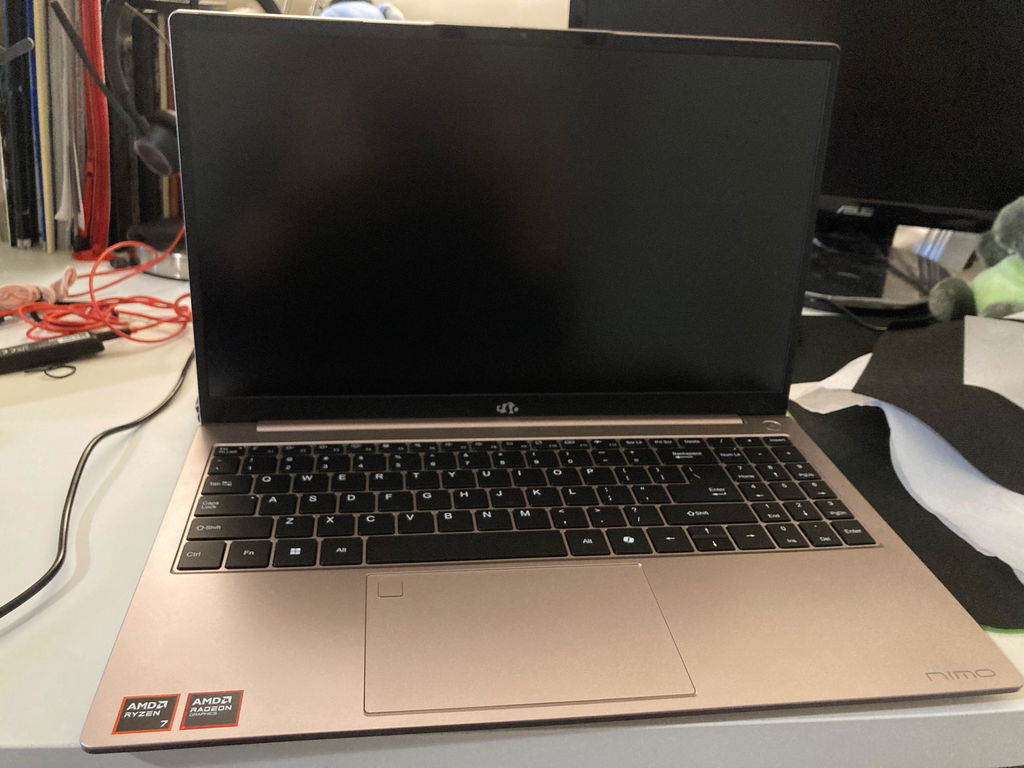
The computer came quickly, better condition that I expected, and works well. My only complaint is there is no “print screen” key, and the layout of the arrow pad, right shift key, and number pad is kindof merged and weird so I keep hitting the wrong keys. No enter key with the number pad, and the period is at the top instead of bottom. It really messes me up since the other computers I use a lot are all pretty similar to each other and this one is not.
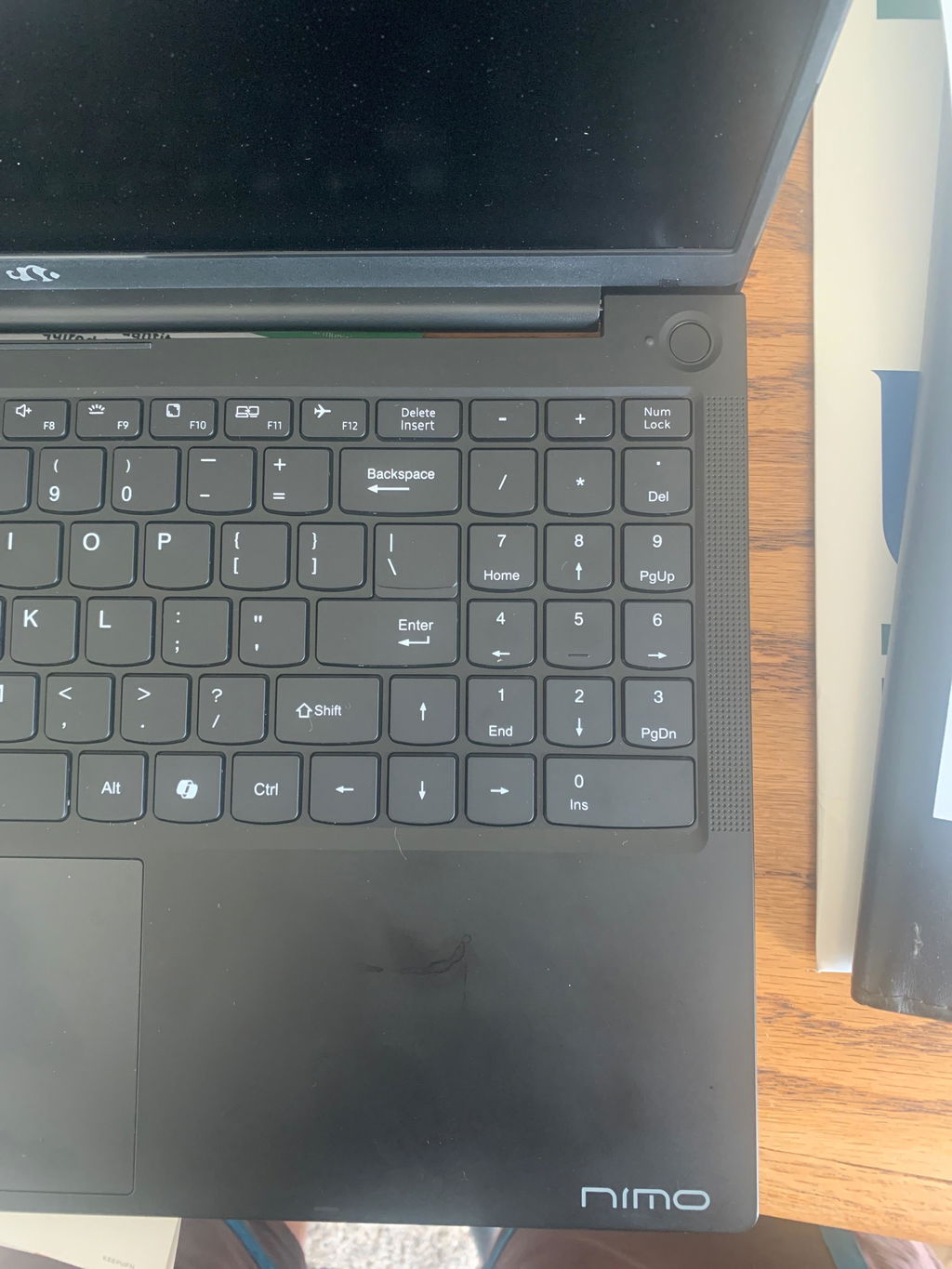
Replaced my HP laptop with a NIMO N157 laptop. I use the laptop for email, news and streaming. The screen is big and bright. The backlit keyboard is amazing.
Became a NIMO fan overnight.
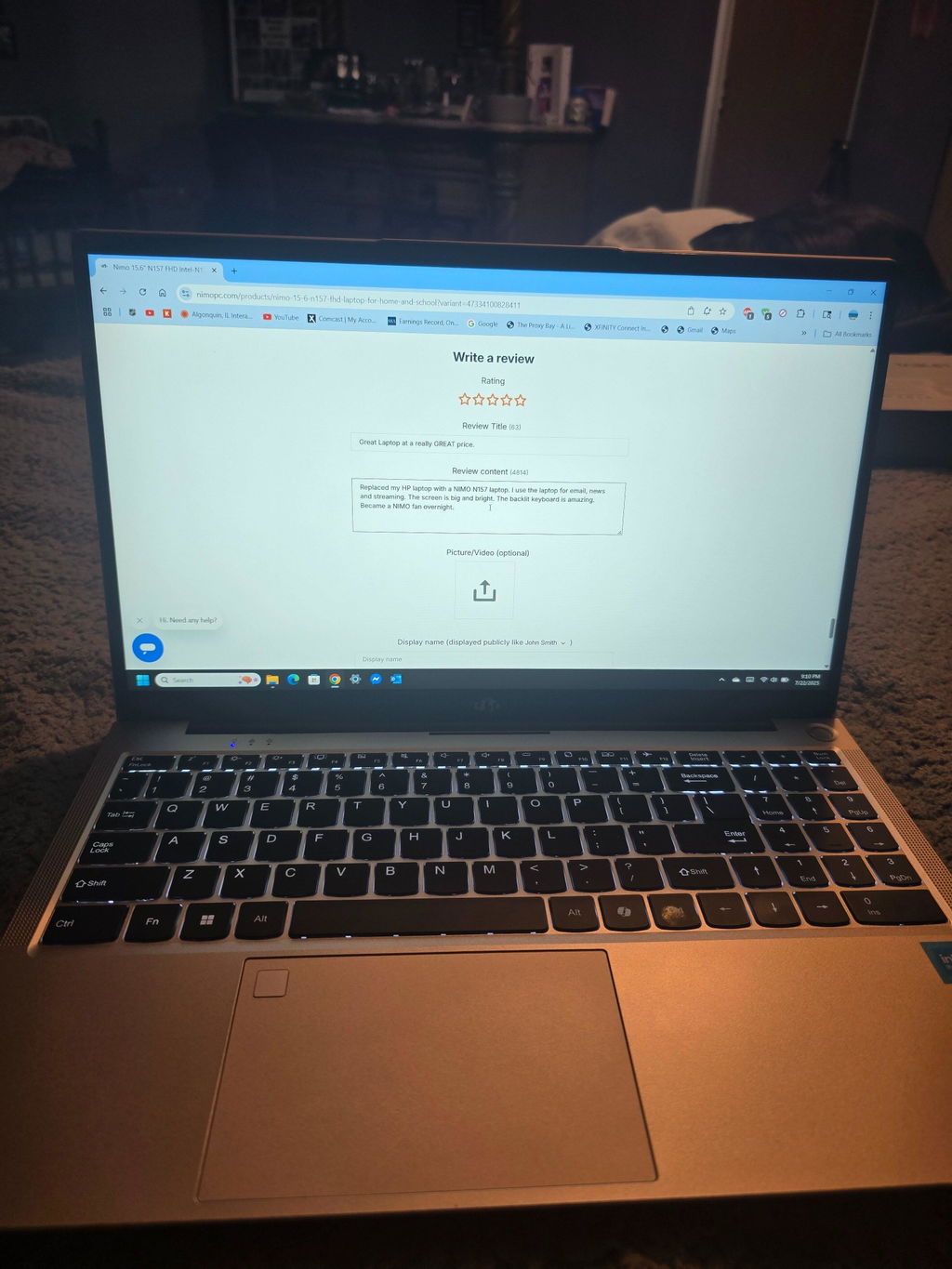
This is a fast machine that xan handle alot. At under $500. There isn't a better machine. I've had $1500.00 laptops that couldn't preform as good as this 1.

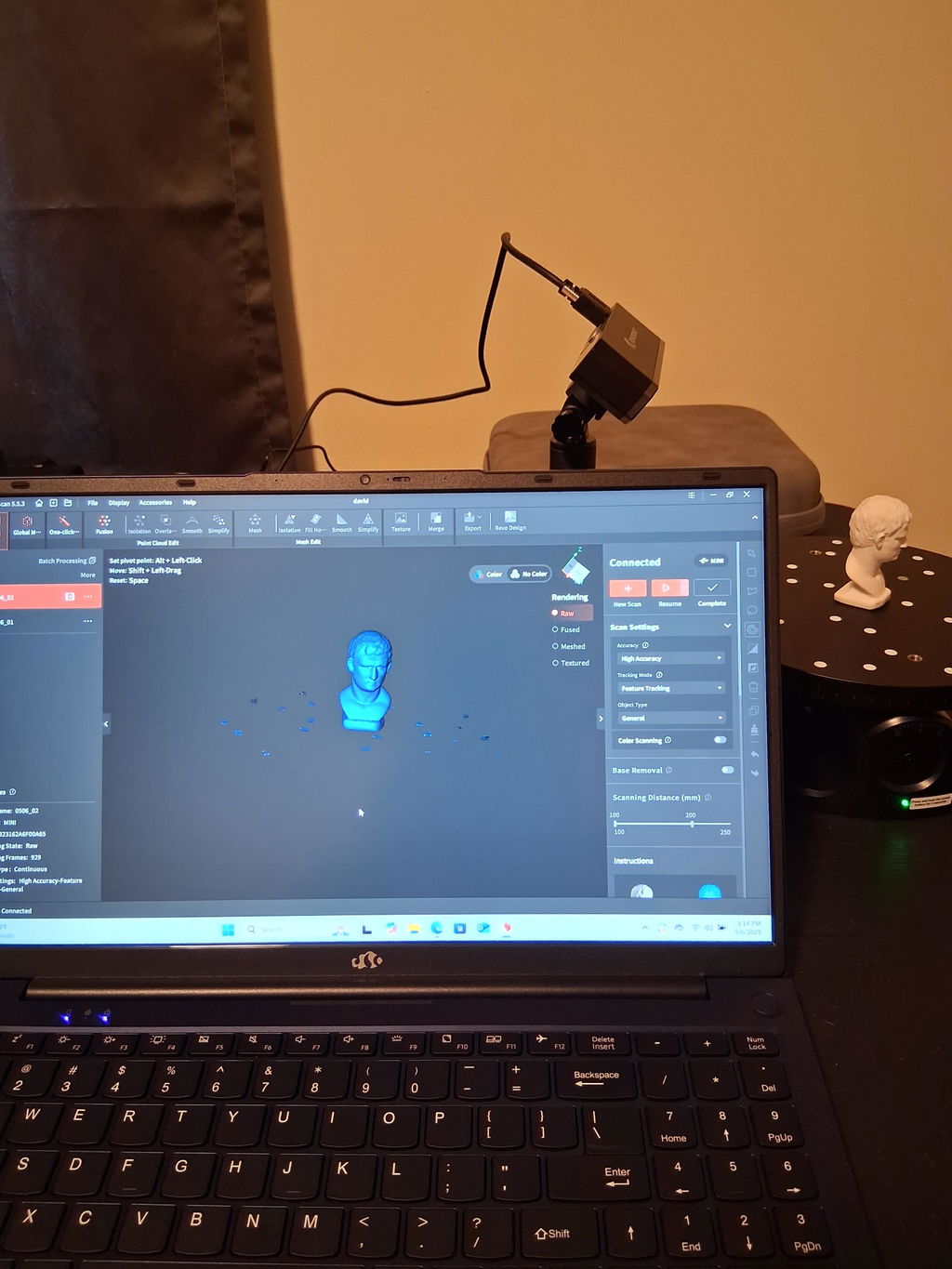
I bought this to run my 3d scanning/printing/rendering software. I had 3 different rendering engines open at one time to compare functionality in real time, and it was still operating fairly normally. It just barely slowed down.
I'll be honest, I was pretty off-put by the "made in China" sticker. I wasn't expecting that, and was actively trying my hardest to avoid it. I concede, however, that this computer actually does what it says it will do(rare in my experience).
I haven't used this for gaming. However, after what I've done, I highly doubt anyone would have a problem.
32g
1T
Astonished comes to mind very quickly. I was looking for a laptop that would handle the hell I was going to put it through. I needed the power of a huge tower unit with no room to set it up. I do custom map builds for DayZ as well as play and venture around in the virtual unreal world of gaming. Not knowing anything about the company or its products I was hesitant to purchase. I was quickly amazed at the shipping packaging alone. Setting this up I was still skeptical but off we went. got through initial set up got my coffee and away we went. Loaded up my editor and began. No issues there ran smoothly no hiccups. The editor alone requires 32g of ram to run smoothly. So just for fun I decided to load up a few more things at the same time. that did not slow down this thing. I have had this for 4 mnths and I am still having fun editing and playing and everyday stuff. I would ABSOLUTLEY recommend the Nimo N153.